This is the multi-page printable view of this section.
Click here to print.
Return to the regular view of this page.
Docs
What is Meshtastic?
Imagine a world where you can stay connected with your team, even when you’re far off the grid.
That’s the magic of Meshtastic—an open-source, decentralized, off-grid mesh network powered by affordable, long-range LoRa radios.
These compact communicators form a seamless network and can link to your phone via Bluetooth or Wi-Fi.
Meshtastic ensures you’re always connected. Learn more on the official website.
How Does It Work?
Meshtastic operates in the 915 MHz frequency range, leveraging the powerful LoRa protocol to create an interconnected web of communication.
Here’s the magic behind it:
- Radios running Meshtastic software form a resilient, self-healing mesh network.
- Connect to these devices via Bluetooth for nearby use or through handheld nodes that double as repeaters.
- Messages effortlessly hop from node to node, extending your reach and building a robust communication chain.
Ready to Get Started?
If you don’t have a Meshtastic device yet, we have recommendations in our Recommended Hardware section.
After you have a device it’s time to check out the Getting Started section for a quick guide to get you on the air.
Once you’re online and having fun, we have additional guides for more advanced use cases, detailed configurations, and even custom hardware builds.
1 - Getting Started
How to get your device setup so you can get on the mesh!
Choose Your Device
In order to use Meshtastic or join in the Iowa Mesh, you will need a device capable of running the Meshtastic firmware.
You should make sure your device includes at least an antenna, a battery if you want to operate portable, and a GPS if you want to share your position.
Some of our favorite starter devices are:
- Ready to go devices:
- Low cost devices: Heltec v3 from Amazon or Rokland
- Development kits:
If you would like to explore other options check out our hardware recommendations. Some things to be aware of:
- Some devices are available for multiple frequency bands. The United States requires the 915 MHz band.
- nRF52 based devices are more power efficient than ESP32 based devices so they are better for portable use.
- Most devices do not have a built in GPS. If you are connected to the device with your phone, it can still use your phone’s GPS if you want to track position.
Flash the Firmware
After selecting your device, use the Meshtastic web flasher to install the software.
It’s quick, straightforward, and backed by excellent documentation.
-
Connect to your device
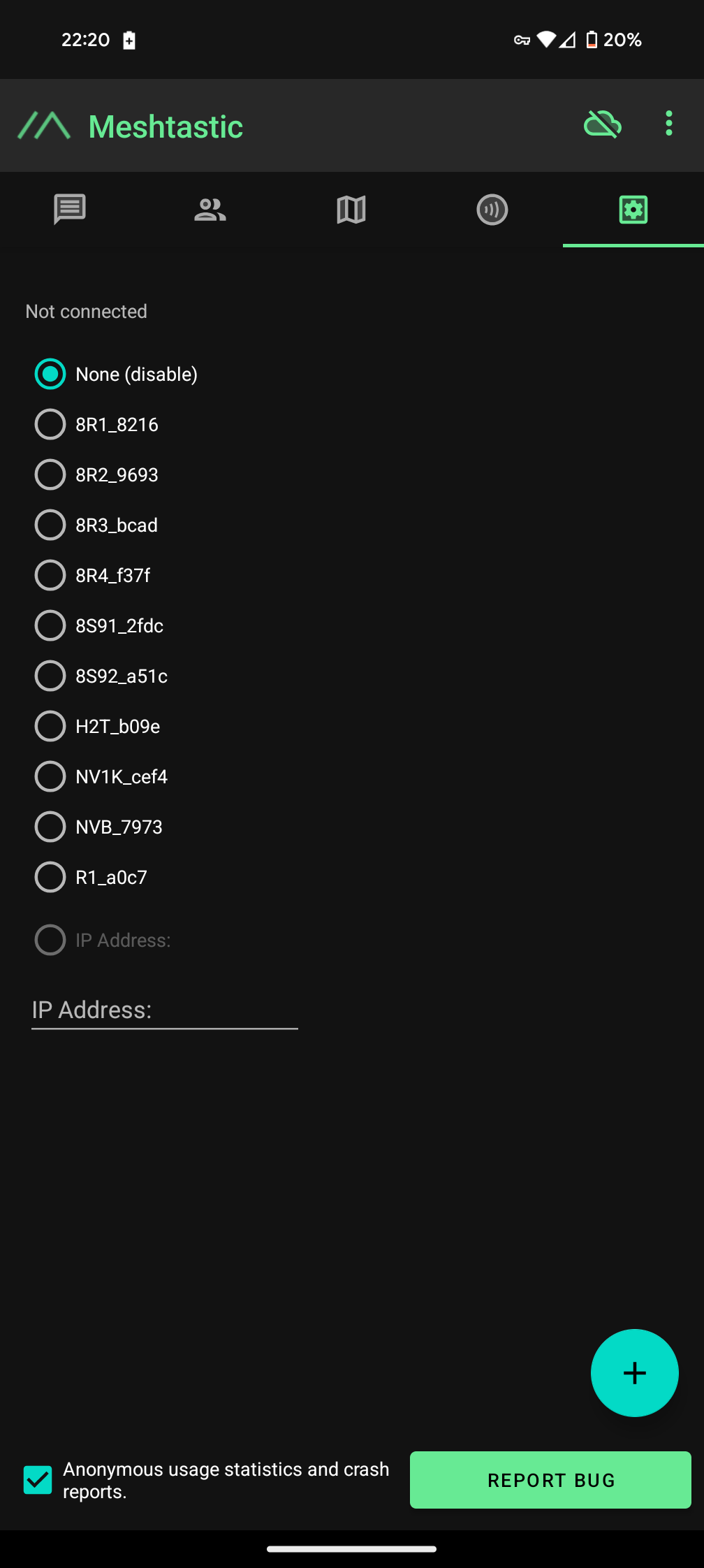
Install and open the Meshtastic app on your phone.
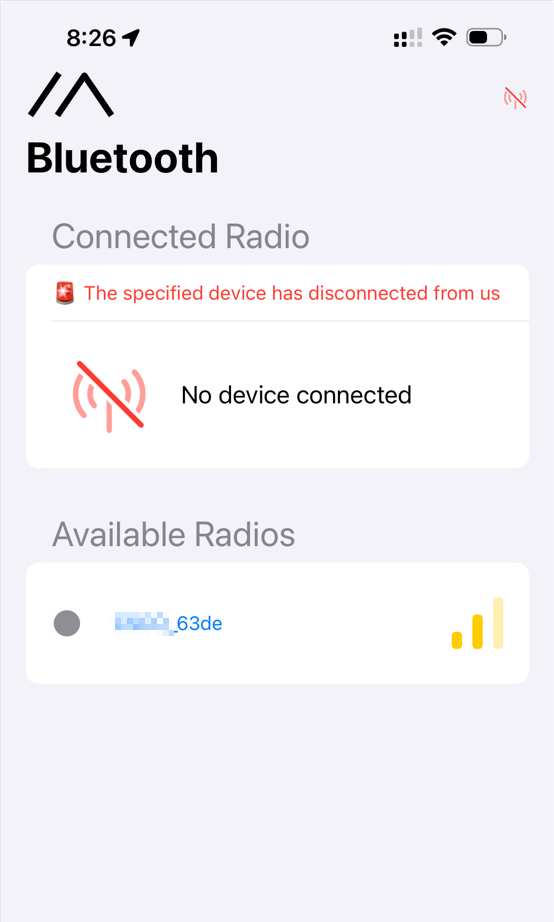
From the main screen click on the connect button to pair with a new device.
You will need to follow the pairing instructions for your specific device.
Generally devices without a screen will have a fixed pin like “123456” and devices with a screen will present a pairing code on the screen.
-
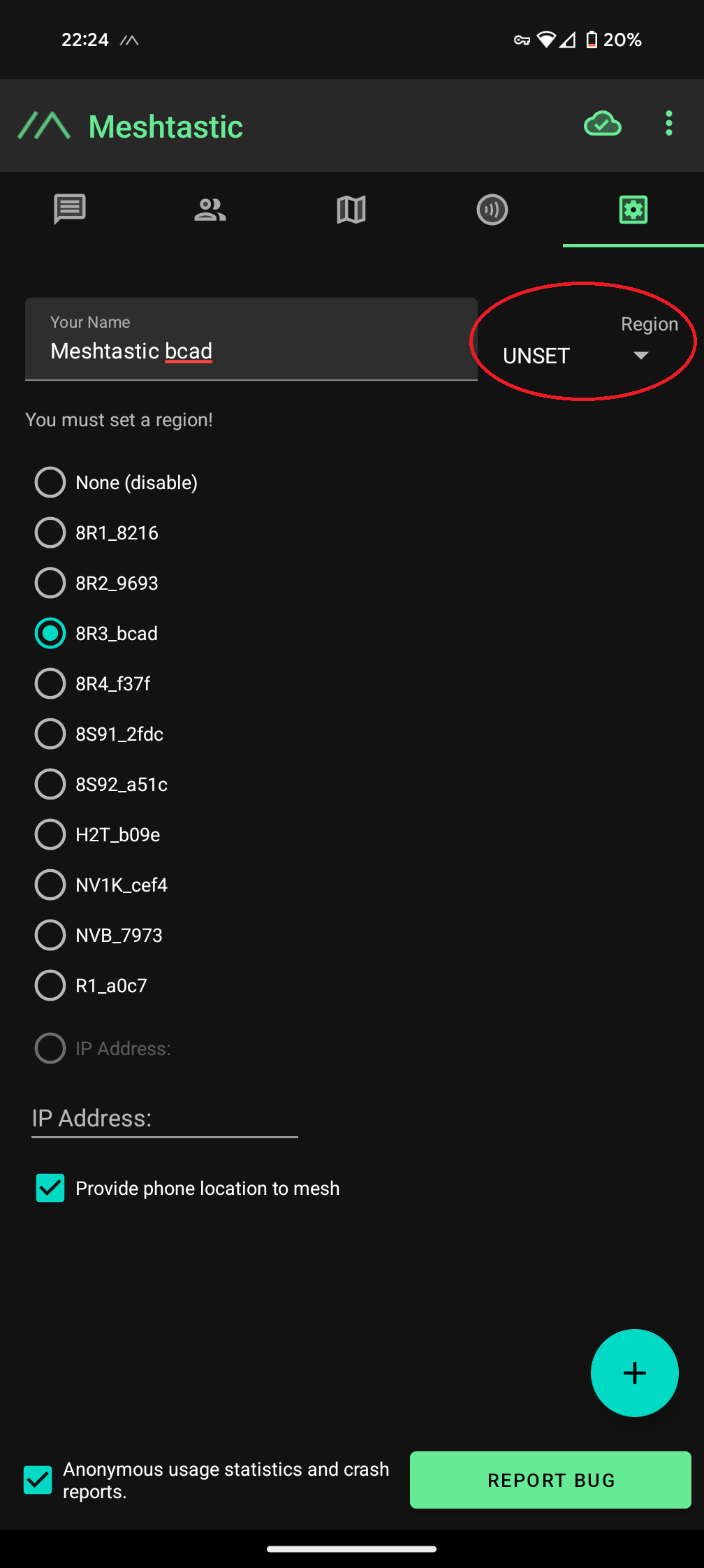
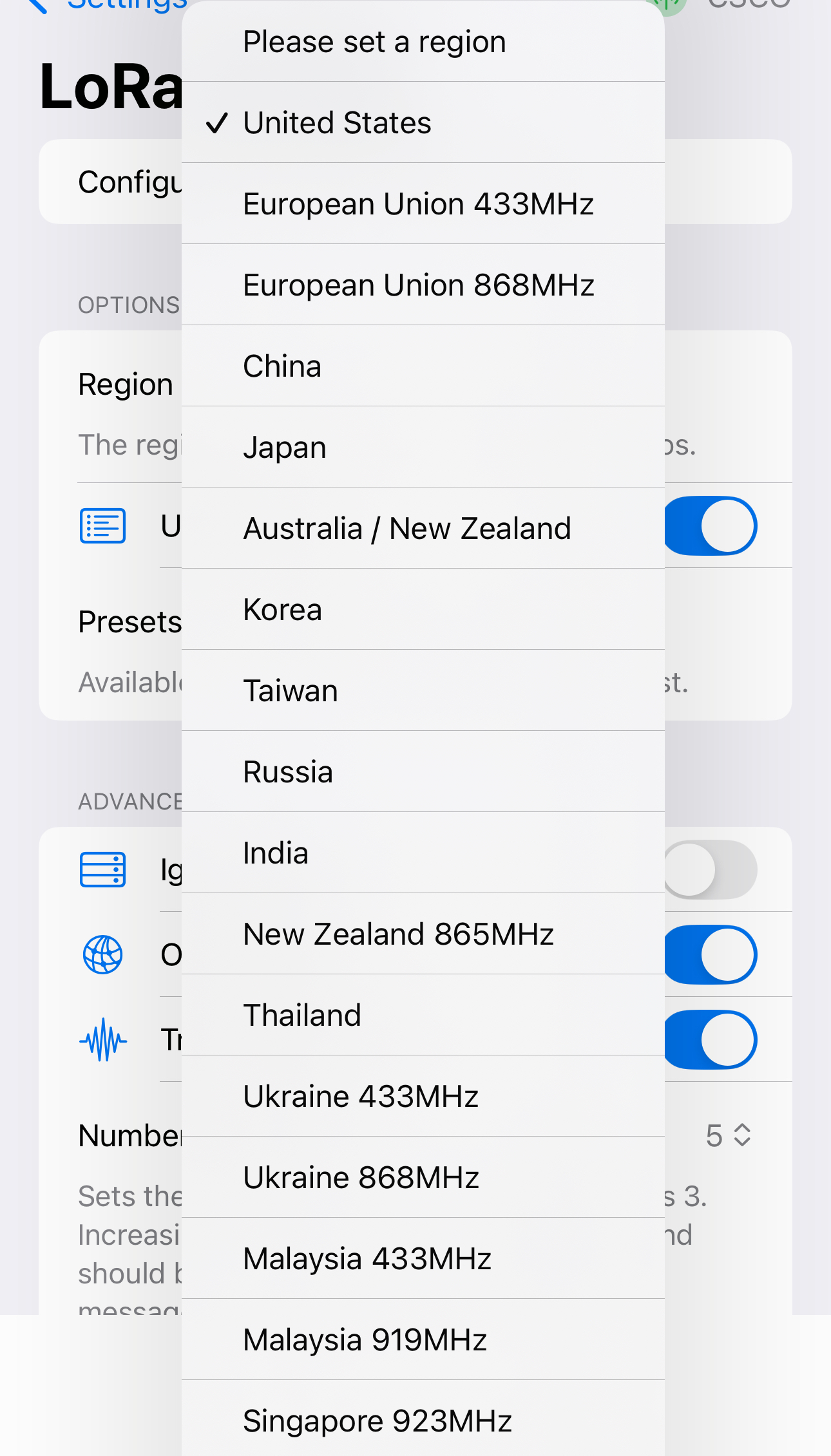
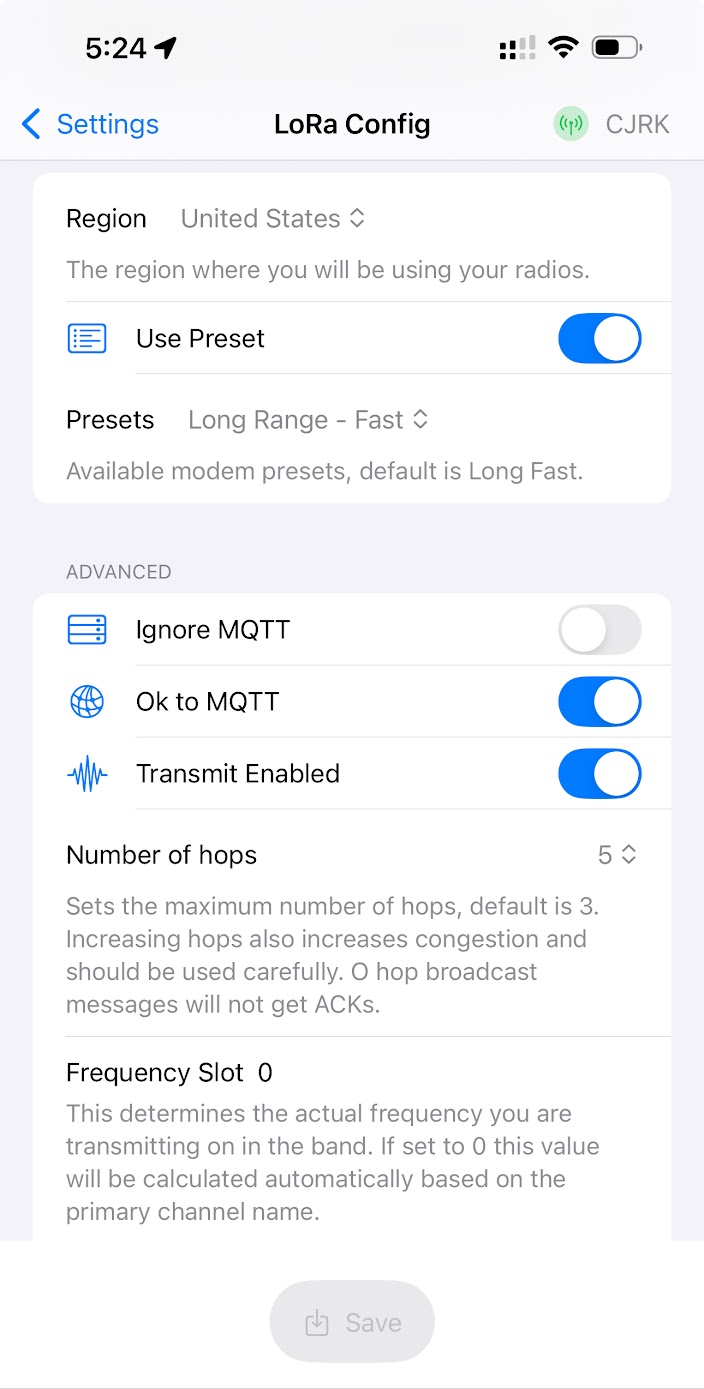
Set your Lora Region to United States
-
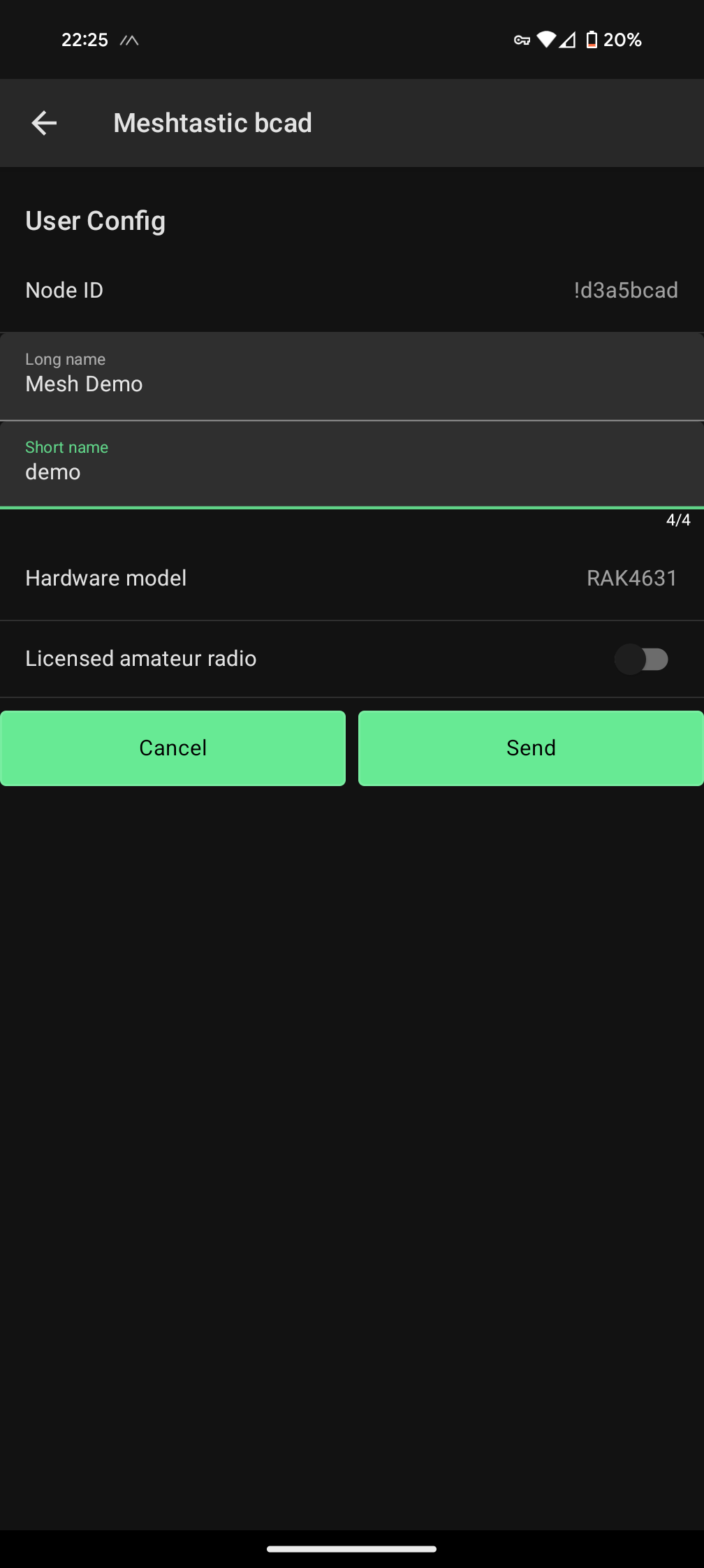
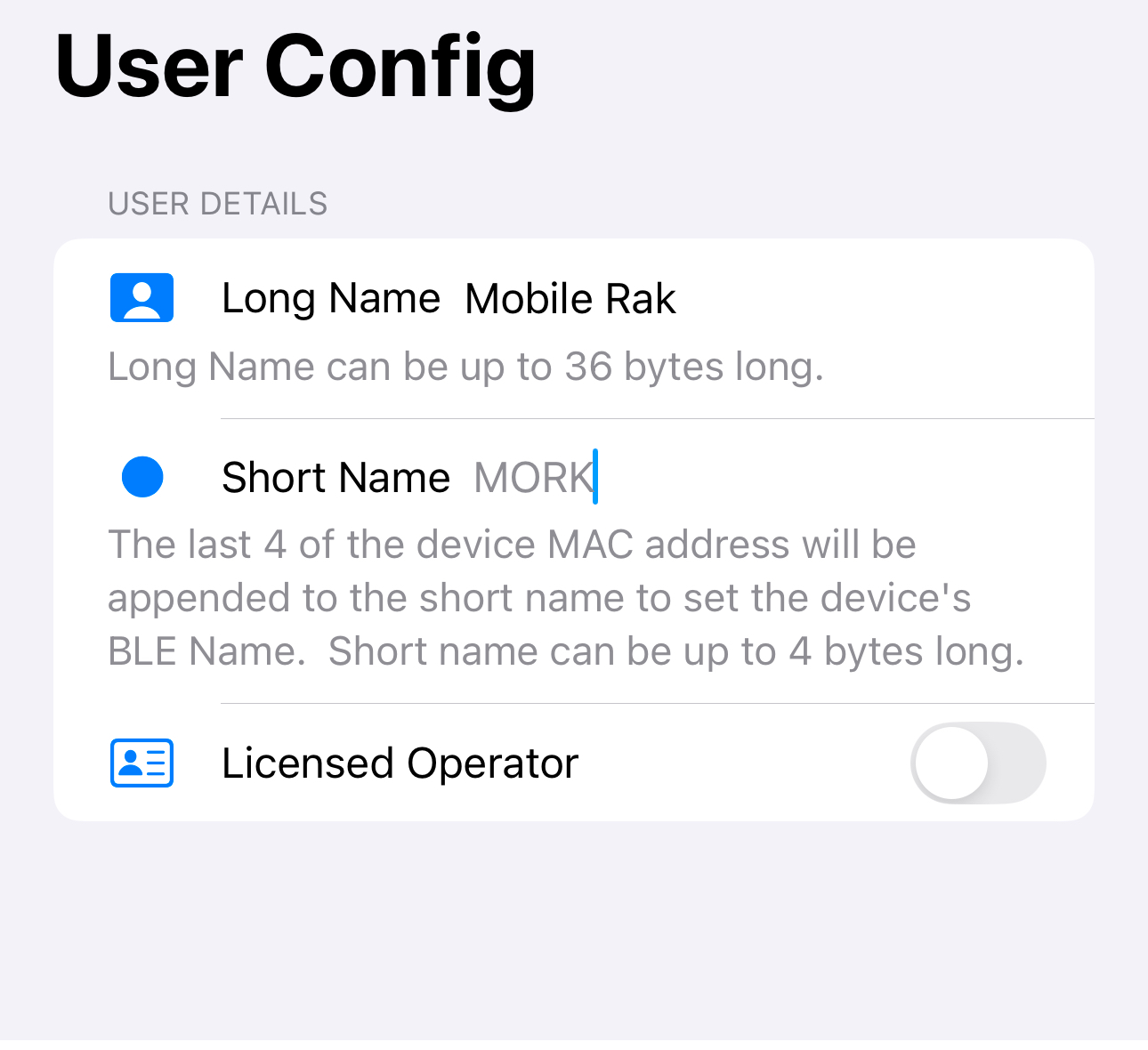
Name Your Device
Be Found Easily by naming your device! If you are already a licensed Amateur Radio Operator you can opt to put in your call sign
-
LoRa Settings
Currently in Iowa it’s a bit sparse for coverage.
It might be worth turning up for the recommended 3 hops
Information on Meshtastic’s docs.
If you plan on participating in the meshmap you’ll need to turn on Ok to MQTT.
More information here.
-
Add Channels for Private configuration
The Public Channel is available to everyone, but the IROMesh Channel will give us a little better place to communicate among the group.
Add the channel manually (Case Matters)
Name: IROMesh
PSK: 7V8jZEvMrVrEXx/c8UekOwE+tSlWaWNffKr6zBtQo/A=
Key Size: 256
Have Fun
You’re now ready to have fun with Meshtastic and the Iowa Mesh!
Have questions or want to connect? Find us on Discord and join the conversation with Iowa Radio Operators!
2 - Recommended Hardware
Hardware that our members of first hand experience and opinions on.
There are tons of options for hardware when it comes to Meshtastic. From prebuilt setups for the beginners all the way to DIY setups for custom deployments in cars, routers or base stations. We’ll try our best to account for as many levels of users that visit the site and want to get into Meshtastic.
For the user who wants to just get involved or not wanting to assemble anything there are some easy solutions to invest in.
Heltec ESP32 V3 Heltec V3 Node Kit comes with a case already that takes minimal assembly and an easy barrier to entry with a low cost to get started. The ESP versions are good but given that it’s based on ESP32 battery life becomes the concern. The ESP modules tend to use the battery quicker than a something based on NRF style chip. The base option here doesn’t not have GPS and would need to be added separately. Since it doesn’t have the GPIO headers it would require customer work. Here is another good option for an Heltec v3 providing you all the hardware you need to get started: Pacific North Heltec Kit
The T114 kit from Muzi Works Muzi Works T114 Kit is another option for low entry into Meshtastic. While it is a little more in price you are getting a complete kit including the T114, Battery, GPS Module, Antenna and case. The T114 is based on the NRF processors which are super-efficient on battery life.
Another great NRF build is from Rokland. They have released their WisMesh Pocket Rokland WishMesh Pocket which is a small version of the Rak Wireless board, screen, battery, GPS Module. Given that this is based on an NRF module you can expect to get great battery life out of it as well as functionality with the screen.
Check back as we will add new options as they come out. Check out the blog posts as well for options that will have some 3d printing involved, but still low cost to entry.
The rest of the links here will help you choose for more custom builds and other options to consider when building a Meshtastic node
Please note we are not affiliated with any of these links. We do not get any kick back, these are not affiliated likes just recommendations we believe is a good place to start
2.1 - Antennas
Testing reports and reviews for Meshtastic antennas.
Whether you’re building a portable mobile node or a fixed base station, selecting the right antenna for your application is essential to ensure optimal performance. The recommendations provided here are sourced from community insights and practical experiences. Keep in mind that results may vary depending on your specific use case. If you have any questions or suggestions, feel free to reach out to us on Discord or via email
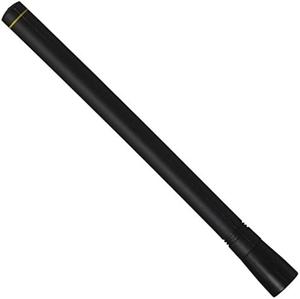
2.1.1 - TE Connectivity Linx 915MHz Antenna
Amazon
$21.99
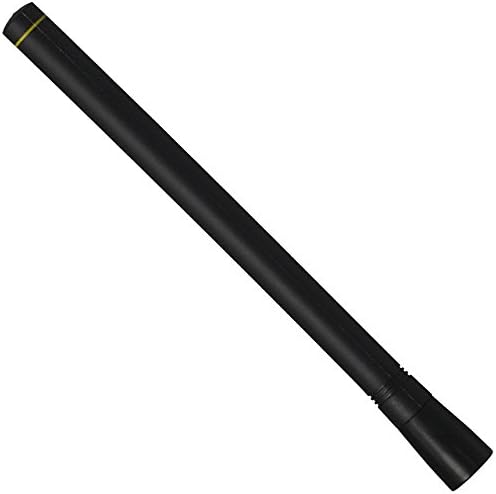
Series ½-wave center-fed dipole antennas are designed for outdoor and indoor use. They deliver outstanding performance in a rugged and cosmetically attractive package. The antenna contains a helical element and internal counterpoise which eliminates external ground plane dependence and maximizes performance.
It’s great low cost option for starting out. Does not require a ground plane.
2.1.2 - ALFA Network AOA-915-5ACM 5 dbi Omni Antenna
Amazon

$16.97
Compact, 7 inch height. Great for mobile or base station builds
5 dbi omni antenna with Male N connector to attach directly to a bulkhead connector.
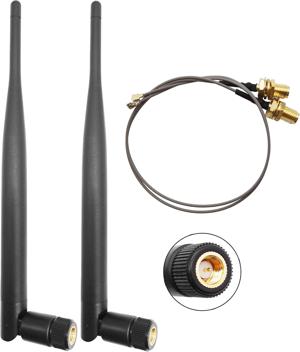
2.1.3 - Generic Amazon Mobile Antenna
Amazon
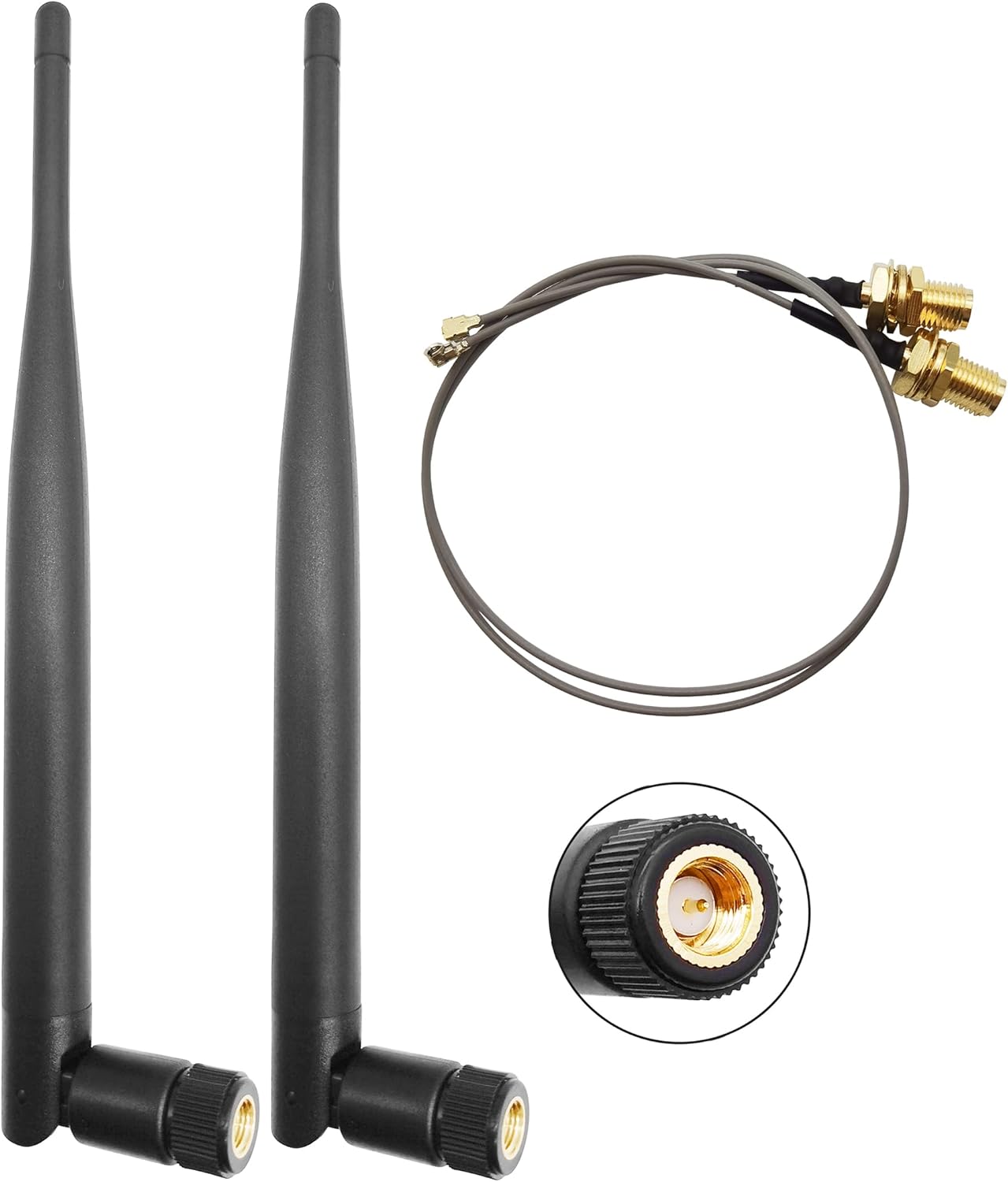
$9.99 (Two Pack of Antennas)
Compact, 3dbi, Great for Mobile that would be carried with the user
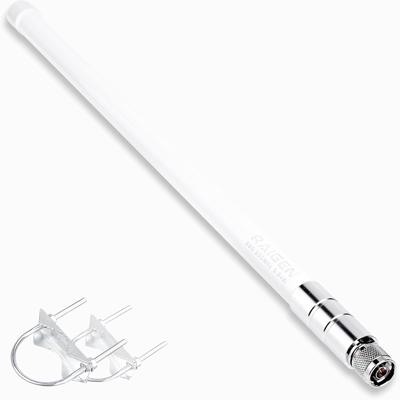
2.1.4 - Raigen 5.8dbi Antenna
Amazon
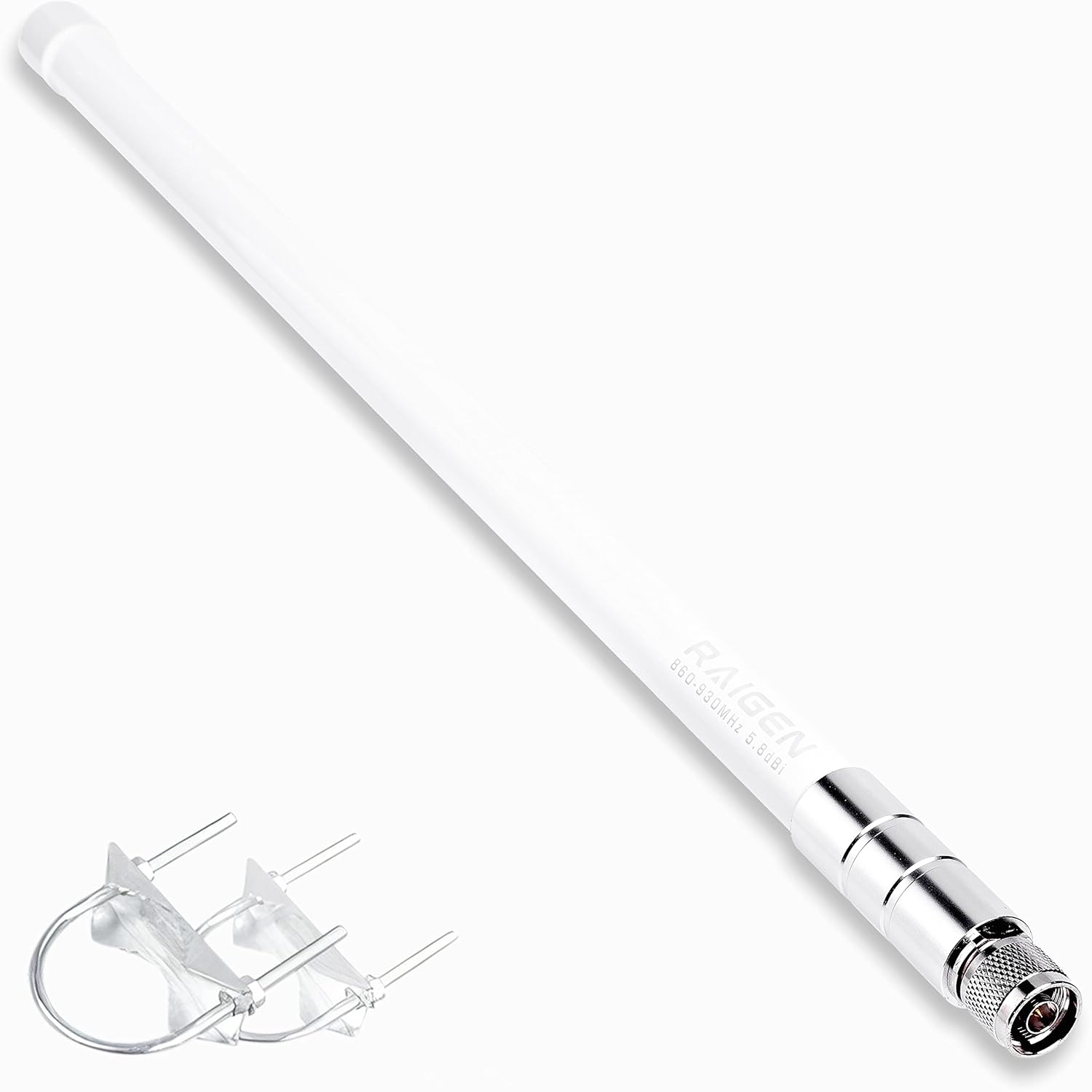
 $31.95
An Ok use case for a base station or higher up location. Can also be used for a client or potentially a router. Good build quality and ready for deployment
2.1.5 - Rockland 6dbi Antenna Kit
Rokland Lora Antenna
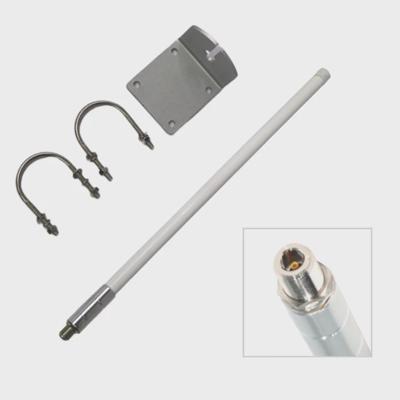
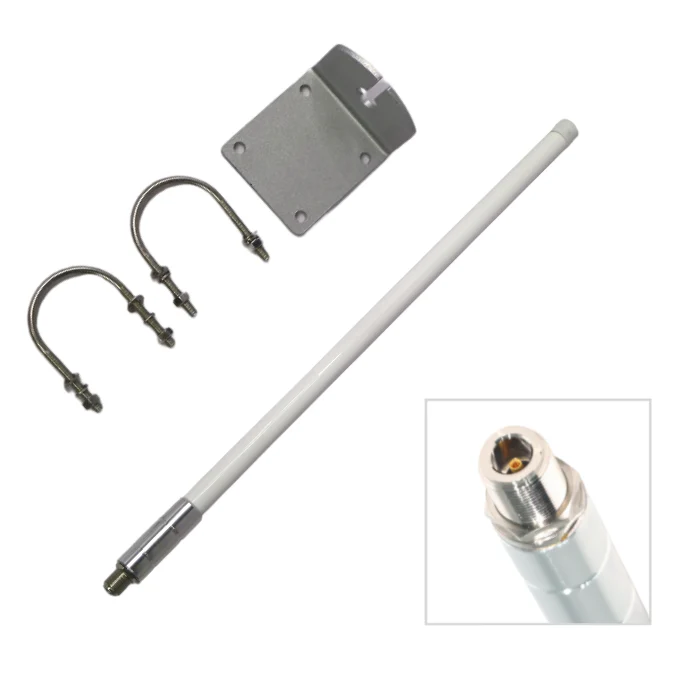
$29.97
Great Antenna for Router or higher up node. Potentially great for a base station Node as well
2.1.6 - Rockland 8dbi Antenna Kit
Rokland Lora Antenna
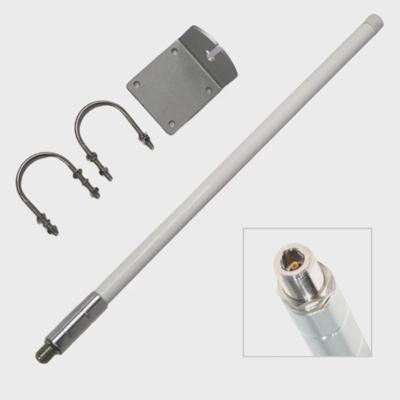
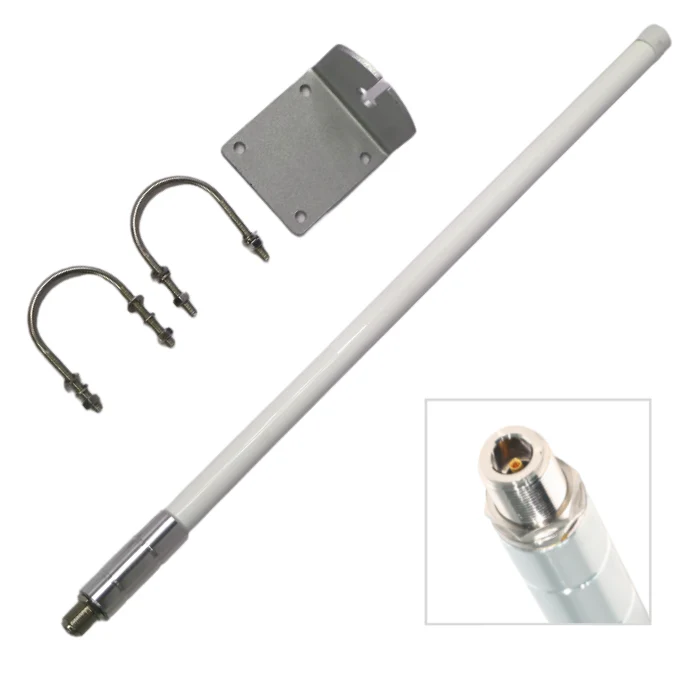
$34.97
Great Antenna for Router or higher up node. Potentially great for a base station Node as well
2.2 - Misc Parts List
Antenna adapters, cables, enclosure and more.
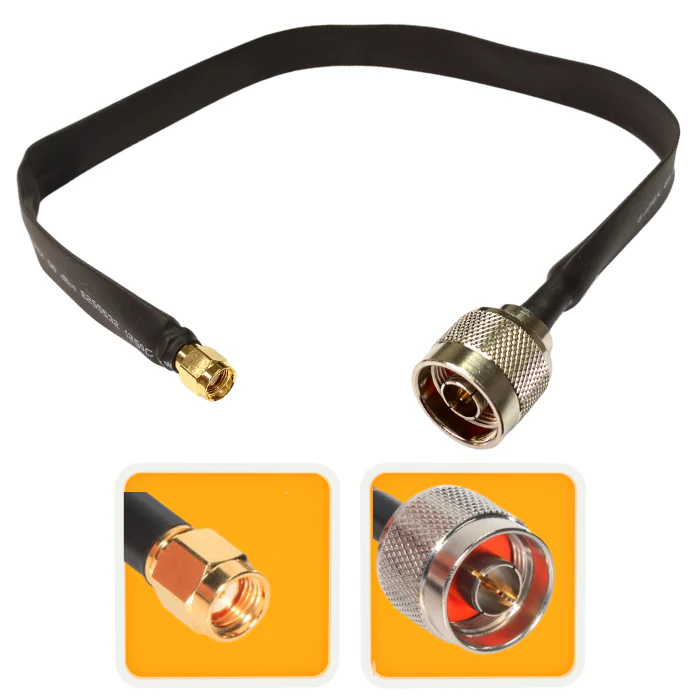
Rokland has a unique flat antenna cable which is also 18in in length. This is geat for the solar cases they also offer
Rokland 18in Pigtail
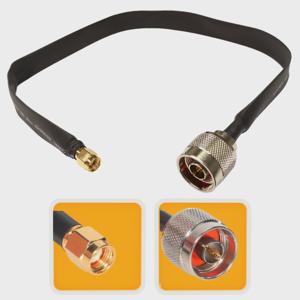
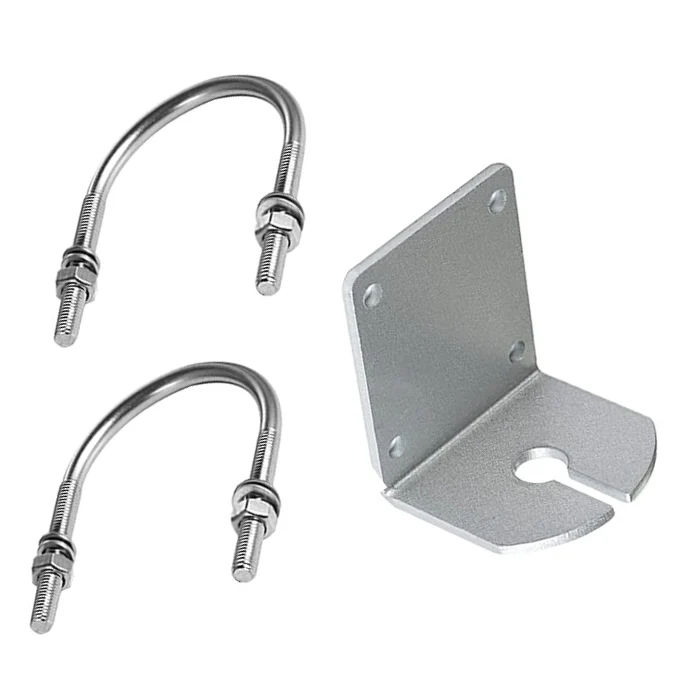
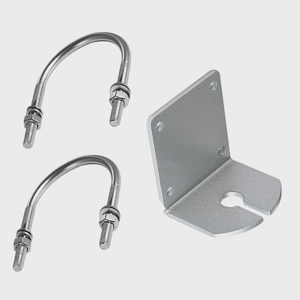
Rokland also has an L Bracket that can hold up many various antennas so long as it has an N style bulk head connector
Rokland L Bracket
2.3 - Radios
Meshtastic radio hardware.
There are dozens of options for radio, including kits that you could build yourself (some cases with 3d printing) and others that are all in one solutions. We will try to break down those options here.
Simple Options like the RAK Wireless WisMesh v2 will give you a turn key option to start using Meshtastic!
Rak WisMesh V2
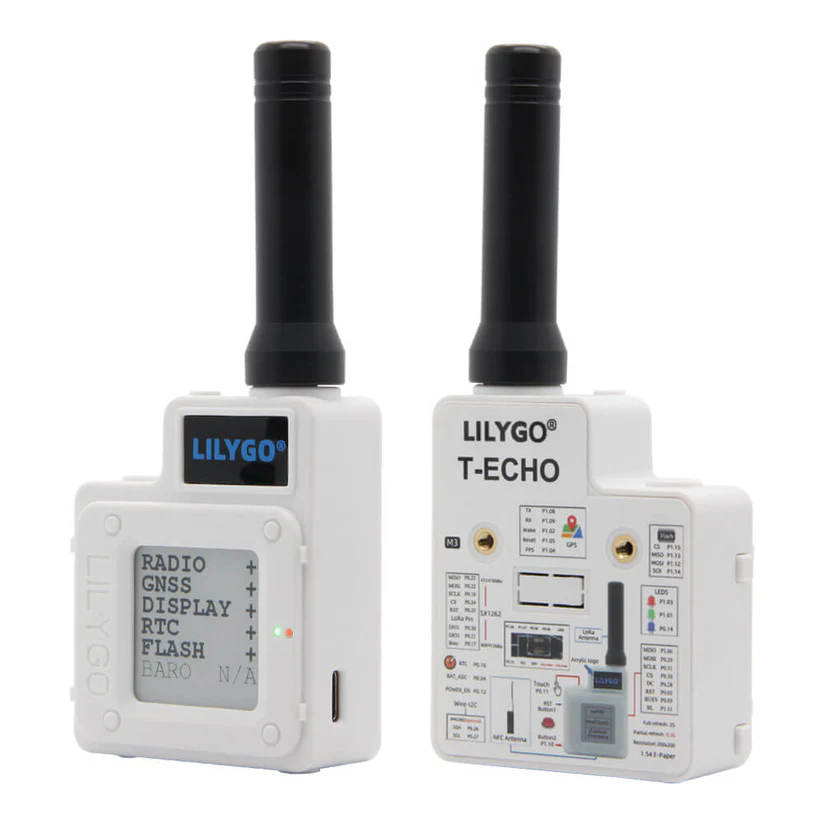
Another good option for a built-in node would be the LilyGo T-Echo. Also put together, it brings a low entry barrier to use and get started with Meshtastic.
LilyGo T-Echo
2.3.1 - B&Q Consulting
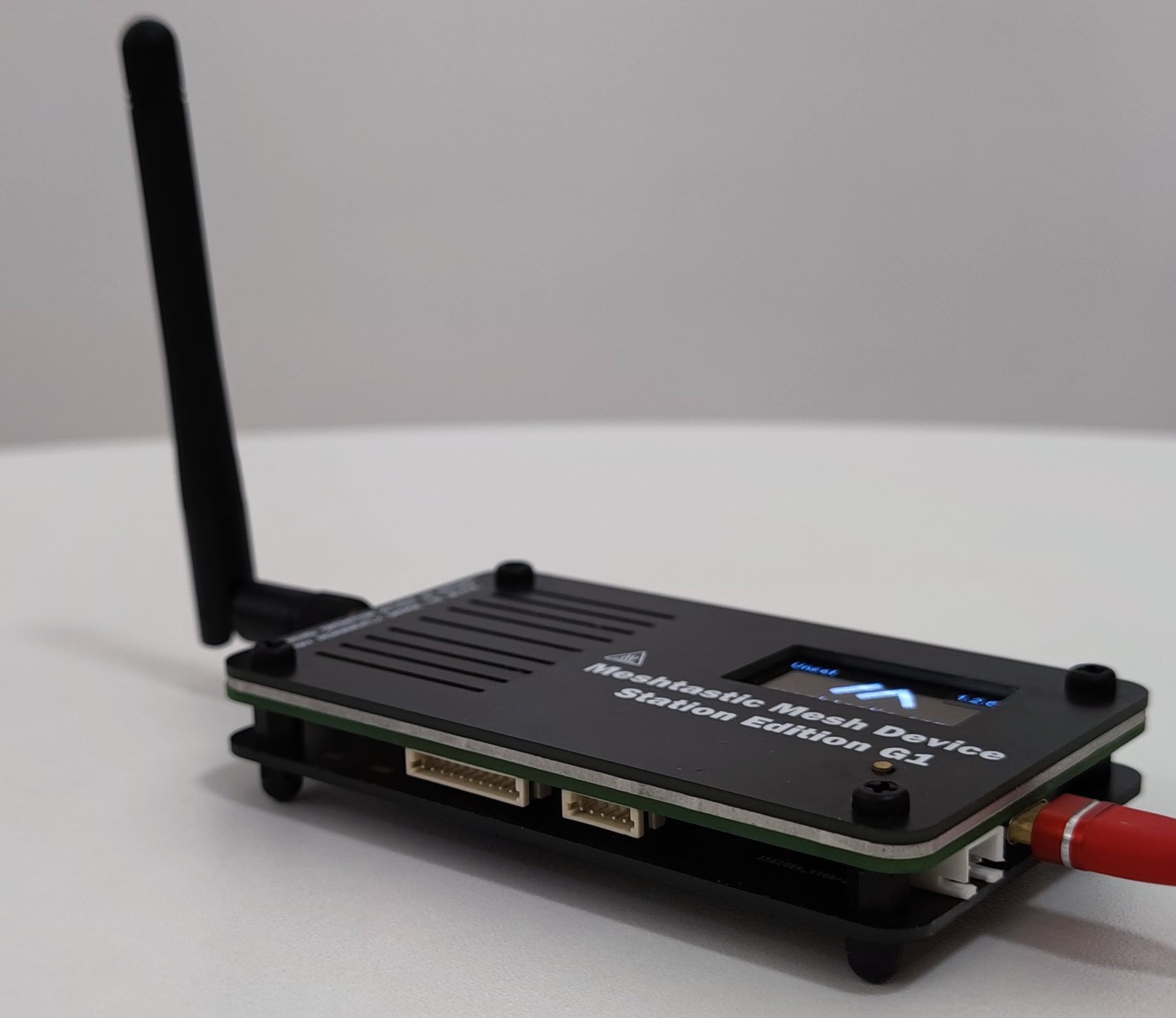
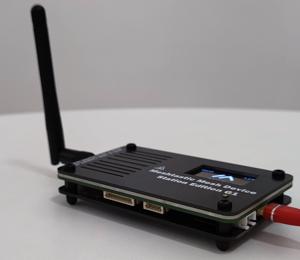
2.3.1.1 - Station G1
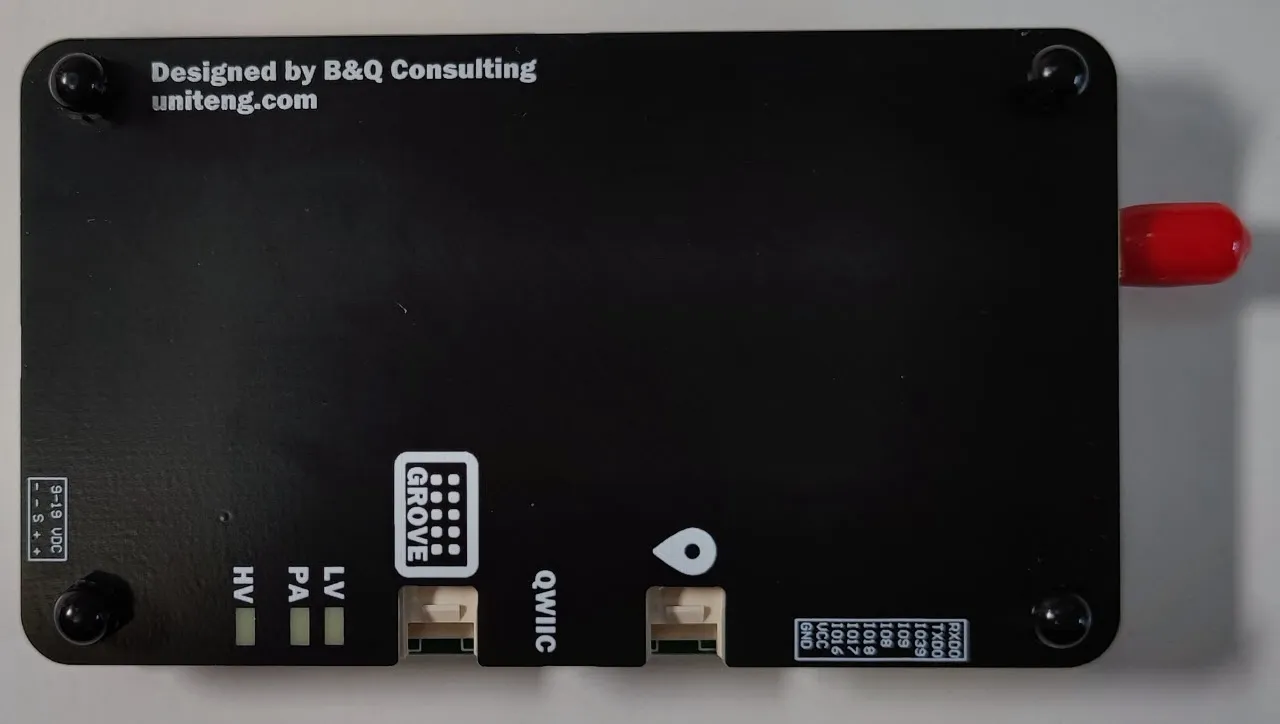
Station G1
Intro:
The Station G1 is part of the Station Edition series designed by B&Q Consulting for Meshtastic. It’s a compact, rugged LoRa device built for high‑performance communication, making it ideal as a backbone node in mesh networks.
Key Features:
- ESP32 MCU with Wi‑Fi and Bluetooth support
- Semtech SX1262 LoRa transceiver
- High‑power PA (up to 35 dBm TX power @ 915/868 MHz)
- Rugged SMA antenna socket for reliable external antenna use
- Wide input voltage range (8VDC–20VDC) for flexible power options
- Rich external I/O interfaces for expansion and integration
- Compact, durable design suitable for fixed installations
Considerations:
- Not portable — designed for permanent or semi‑permanent backbone nodes
- Requires stable power supply (DC input or regulated external source)
- Higher cost compared to entry‑level boards like Heltec or T‑Beam
- Best suited for club field stations, town coverage, or contest backbone deployment
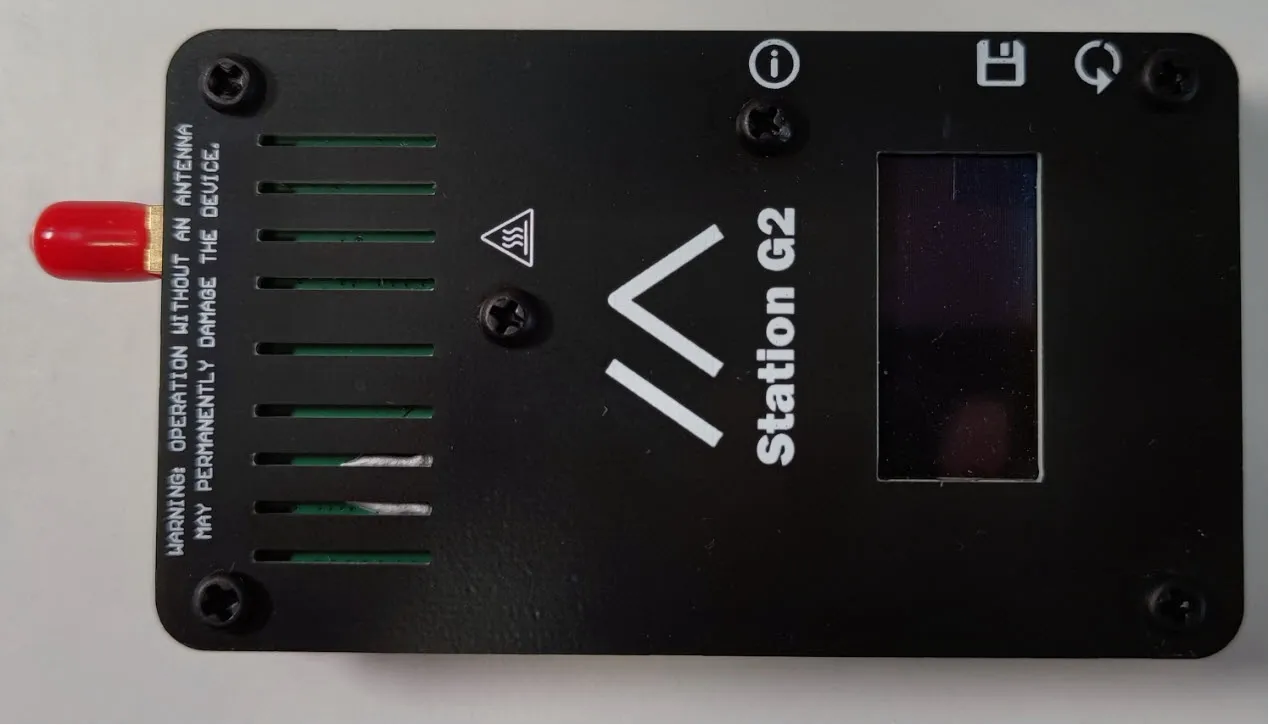
2.3.1.2 - Station G2
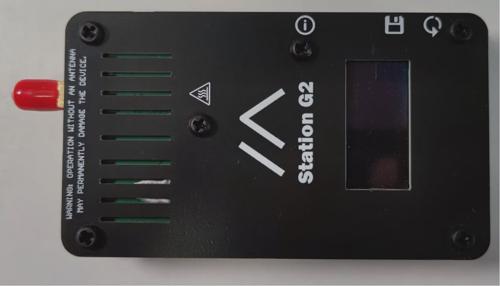
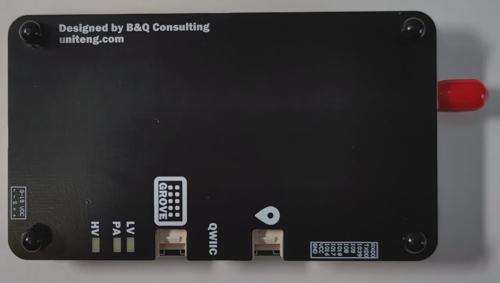
Station G2
Intro:
The Station G2 is a stable, higher-power node designed for fixed installations, forming the backbone of a mesh network.
Key Features:
- Nordic nRF52840 MCU with SX1262 LoRa
- Larger form factor for better heat dissipation
- Stable power options (USB or external supply)
- Designed for continuous operation
Considerations:
- Not portable — intended for fixed sites
- Requires reliable power source
- Best for backbone coverage in towns, club fields, or permanent mesh deployment
2.3.2 - Seed Studio Devices
2.3.2.1 - Sense Cap Solar
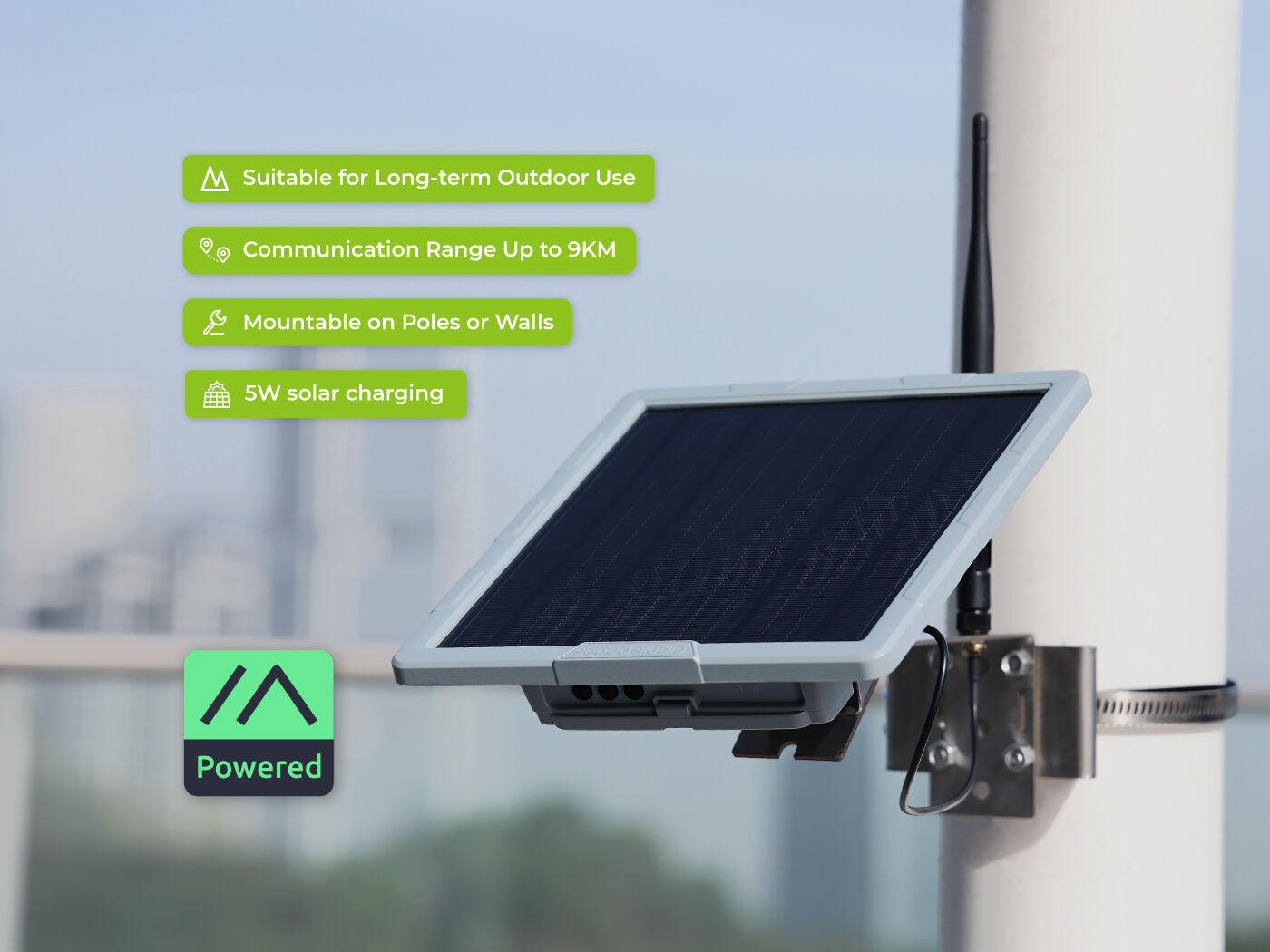
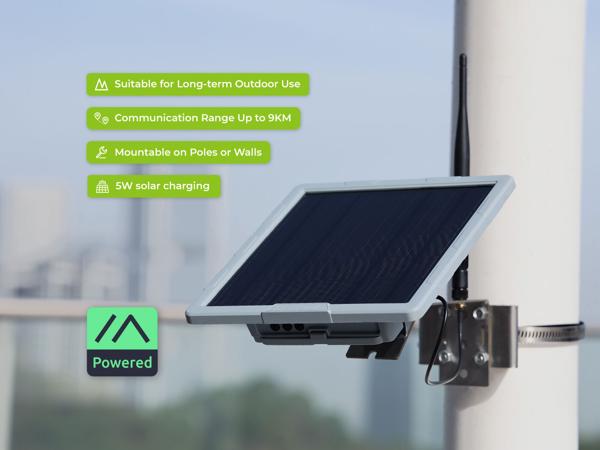
Seeed Studio SenseCAP Solar
Intro:
The SenseCAP Solar is a rugged, outdoor‑ready Meshtastic‑compatible node from Seeed Studio. It’s designed for long‑term deployments with integrated solar charging, weather resistance, and reliable LoRa communication. This makes it ideal for backbone nodes in wide‑area mesh networks like Iowa Mesh.
Key Features:
- MCU: Nordic nRF52840 with Bluetooth 5.0 support
- LoRa Transceiver: Semtech SX1262
- Frequency Options: 863–870 MHz or 902–928 MHz
- Power System:
- Integrated solar panel for continuous outdoor operation
- Built‑in rechargeable lithium battery
- USB‑C port for backup charging
- Enclosure: IP65‑rated weatherproof housing for outdoor use
- Antenna: External SMA connector for high‑gain antennas
- Deployment: Designed for pole or wall mounting in outdoor environments
Considerations:
- Higher upfront cost compared to entry‑level boards (Heltec V3, T‑Beam)
- Larger physical footprint due to solar panel and rugged enclosure
- Best suited for permanent outdoor backbone nodes rather than portable activations
- Requires good solar exposure for reliable long‑term operation
- Ideal for park deployments, club field stations, or rural coverage where power reliability is critical
2.3.2.2 - SenseCap T1000
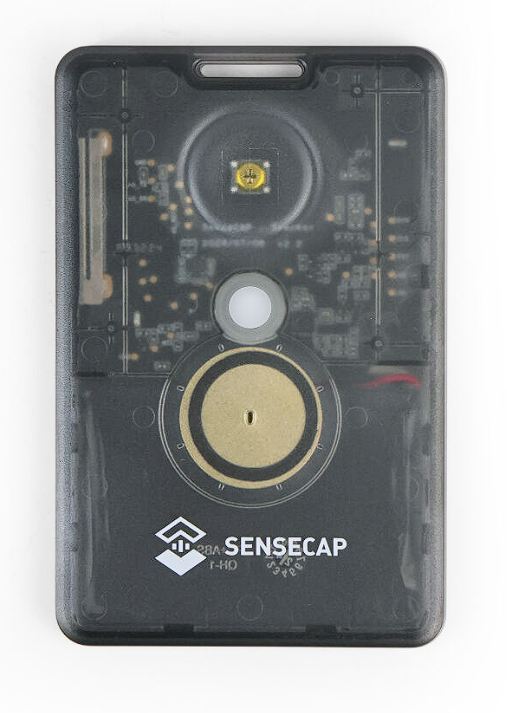
SenseCap T1000
Seeed Card Tracker T1000-E
Intro:
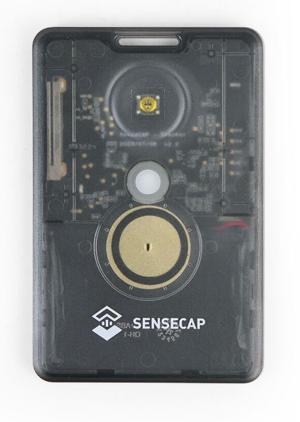
The T1000-E is a GPS-enabled tracker designed for mobility, making it ideal for logging movement during contests or field operations.
Key Features:
- GPS integration for real-time location tracking
- ESP32-based MCU with LoRa support
- Compact, card-like form factor
- Rechargeable battery
Considerations:
- No screen or buttons (limited UI)
- Dependent on GPS signal quality
- Best suited for activators who need movement logs rather than interactive messaging
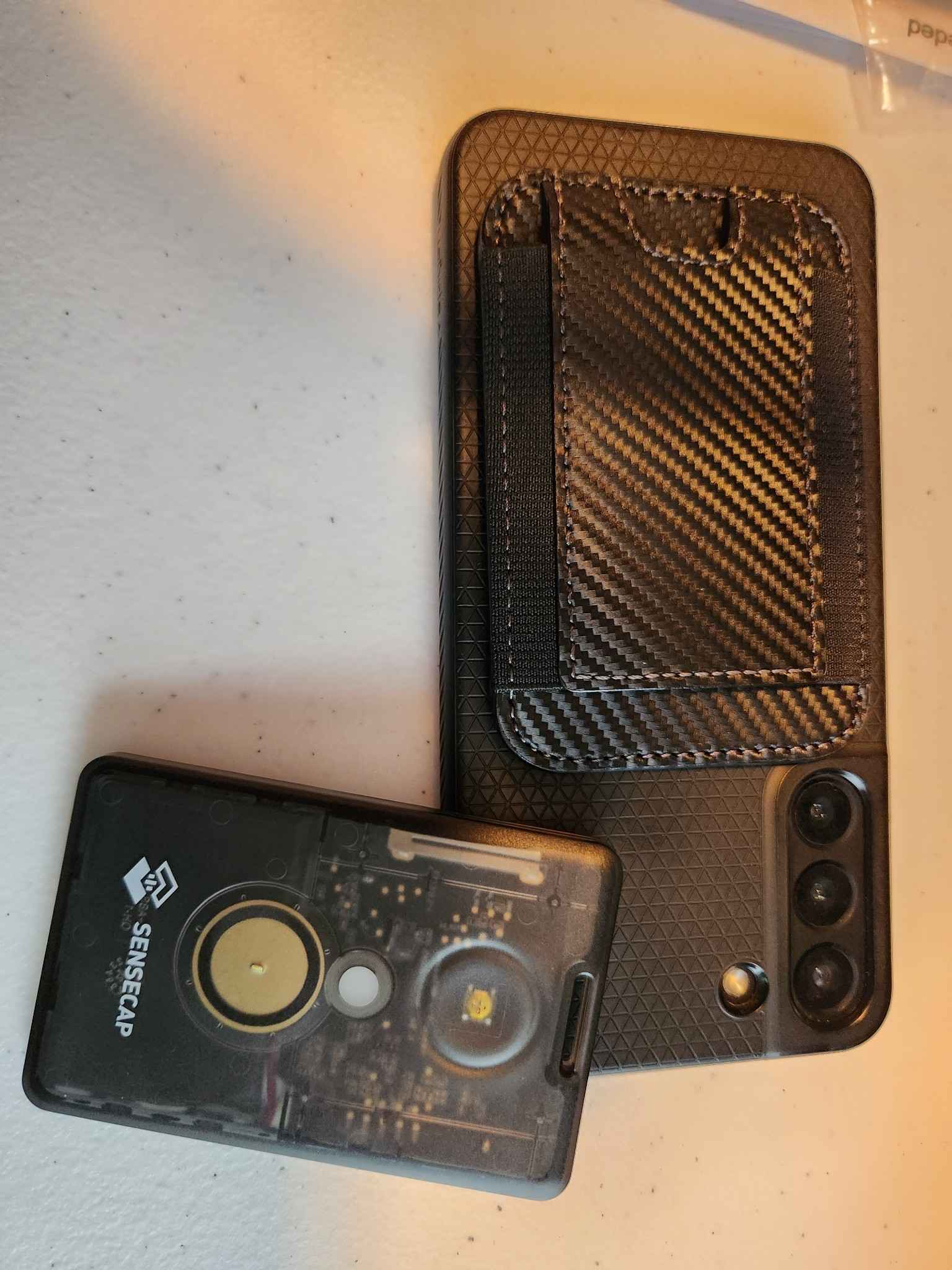
The Seeed Studio SenseCAP T1000 is a robust and user-friendly option for Meshtastic enthusiasts. Its combination of GPS tracking, low power consumption, and seamless integration makes it a valuable tool for expanding your mesh network.
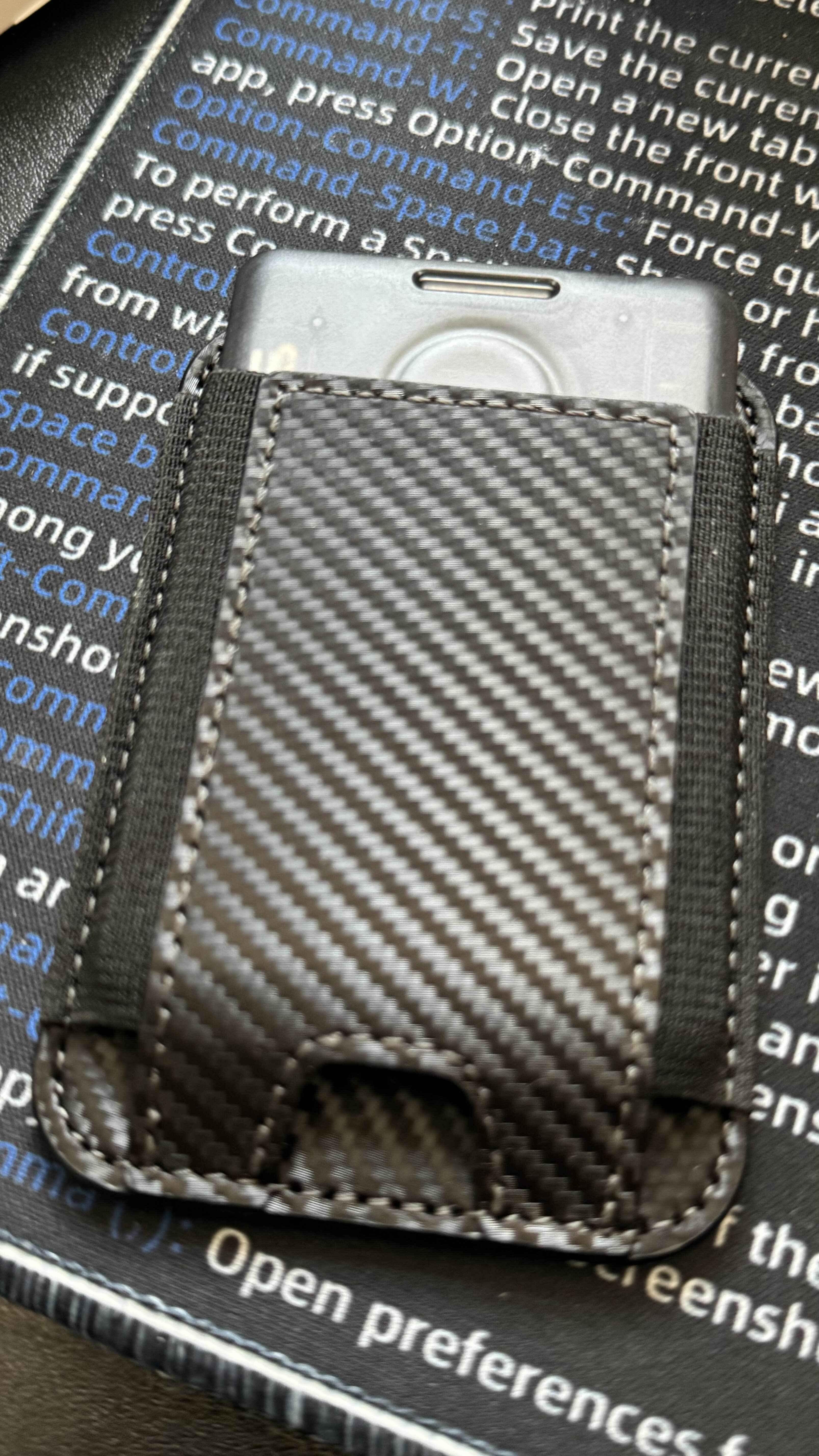
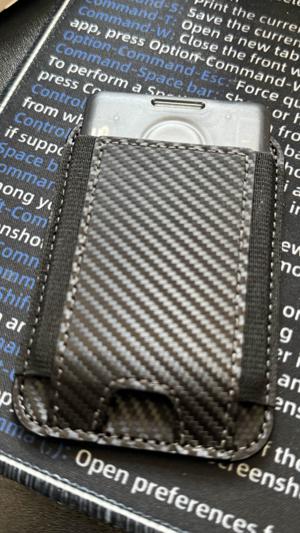
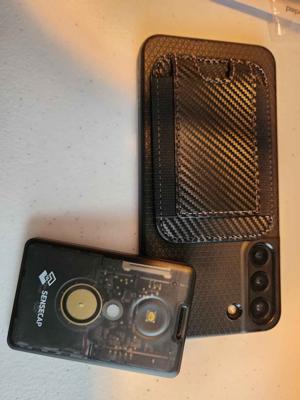
If you have MagSafe capable Phone case there is a MagSafe wallet that holds the t1000 nicely and sticks to your phone case
Amazon MagSafe Wallet
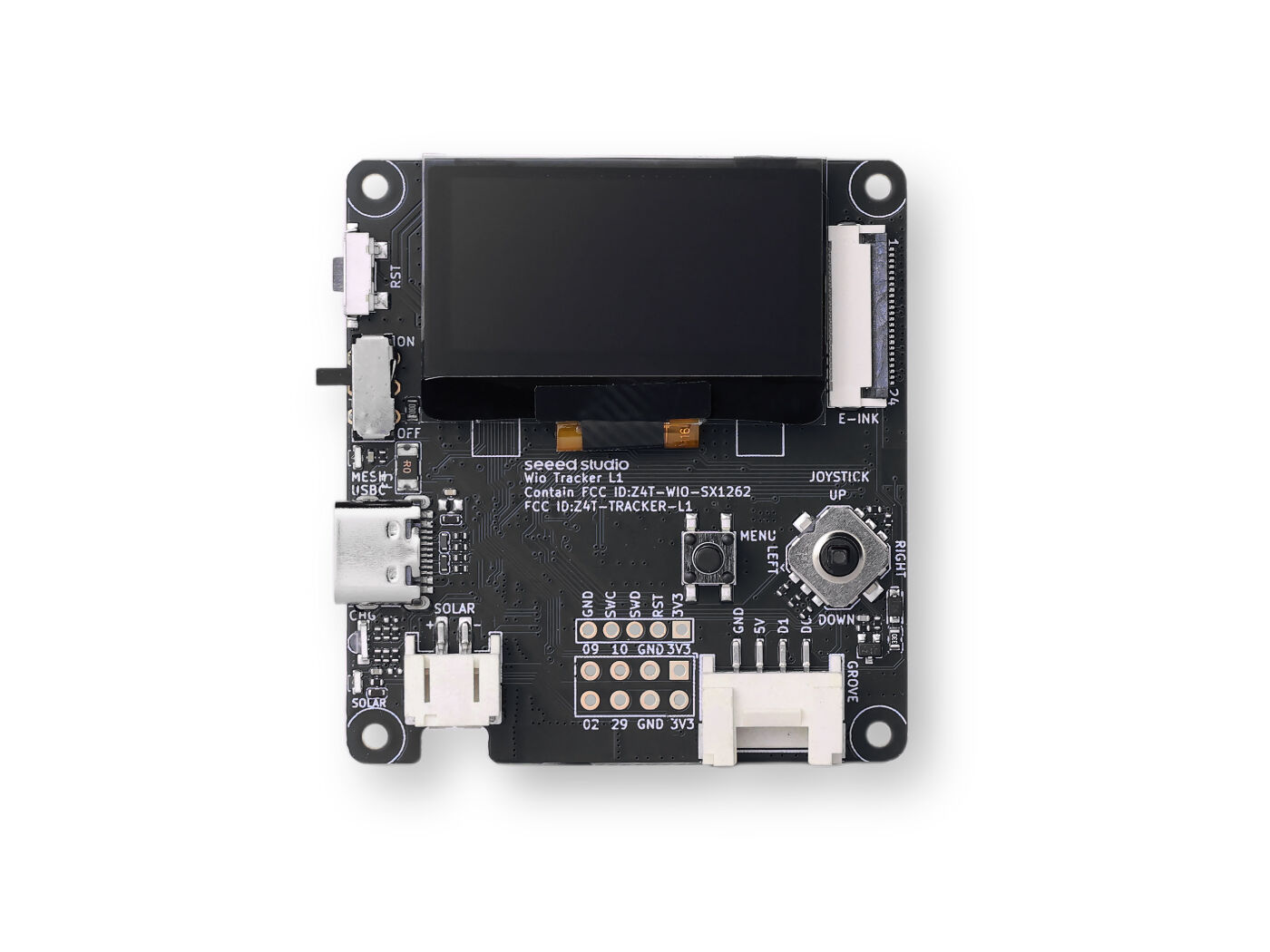
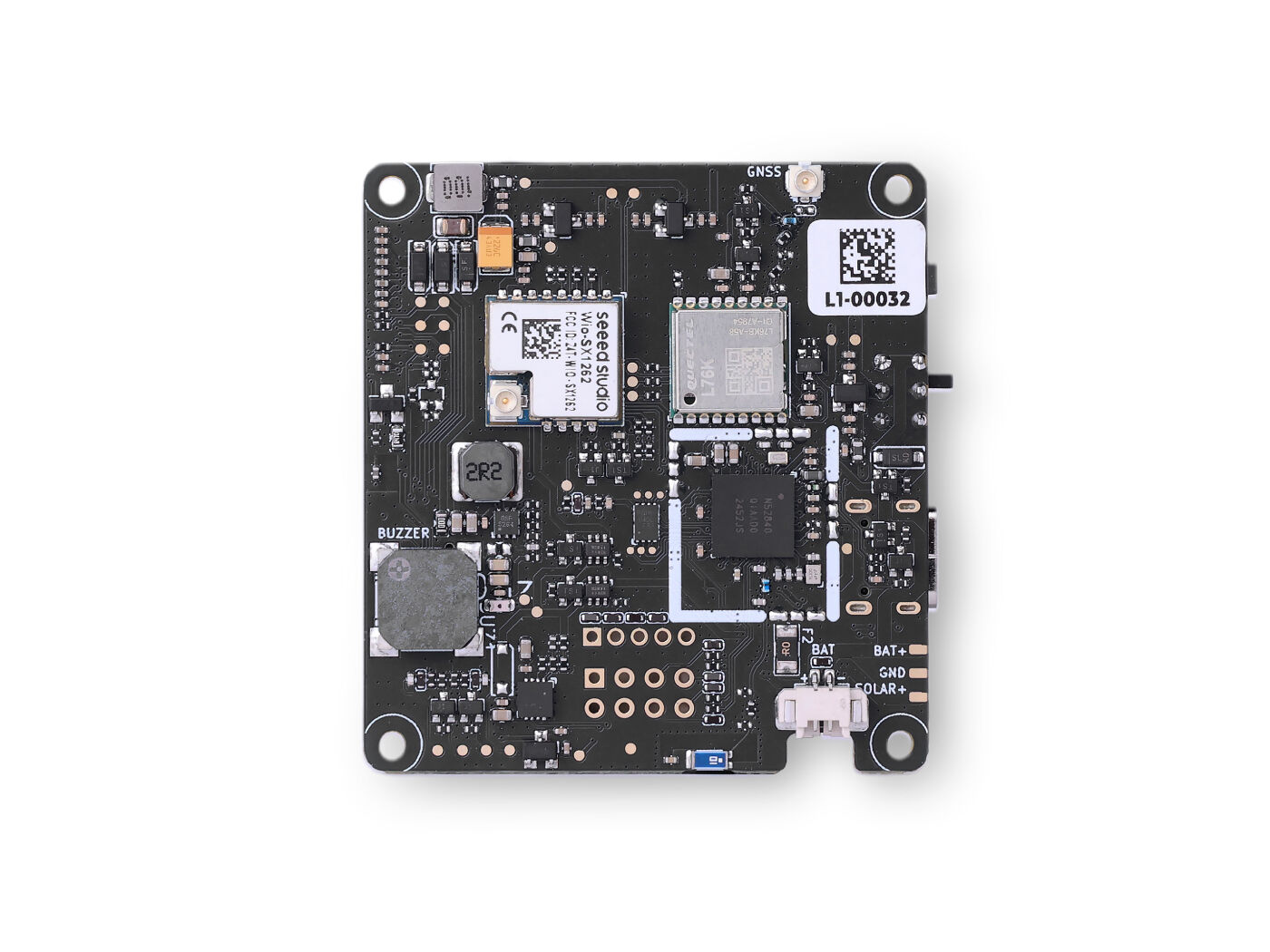
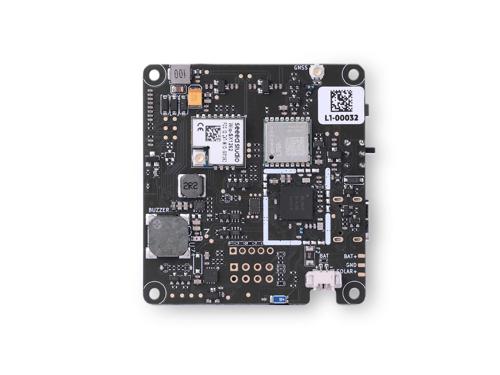
2.3.2.3 - WIO Tracker L1
Seeed Wio Tracker L1
Intro:
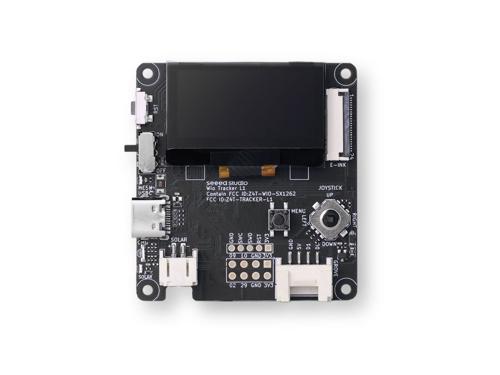
The Wio Tracker L1 is another GPS-enabled device from Seeed, optimized for IoT and mobile tracking applications.
Key Features:
- GPS + cellular + LoRa connectivity options
- ESP32 MCU for flexible programming
- Expansion ports for sensors and peripherals
- Compact design for portable use
Considerations:
- More complex setup compared to T1000-E
- Requires careful power management for extended use
- Best for advanced users who want hybrid tracking (GPS + LoRa + optional cellular)
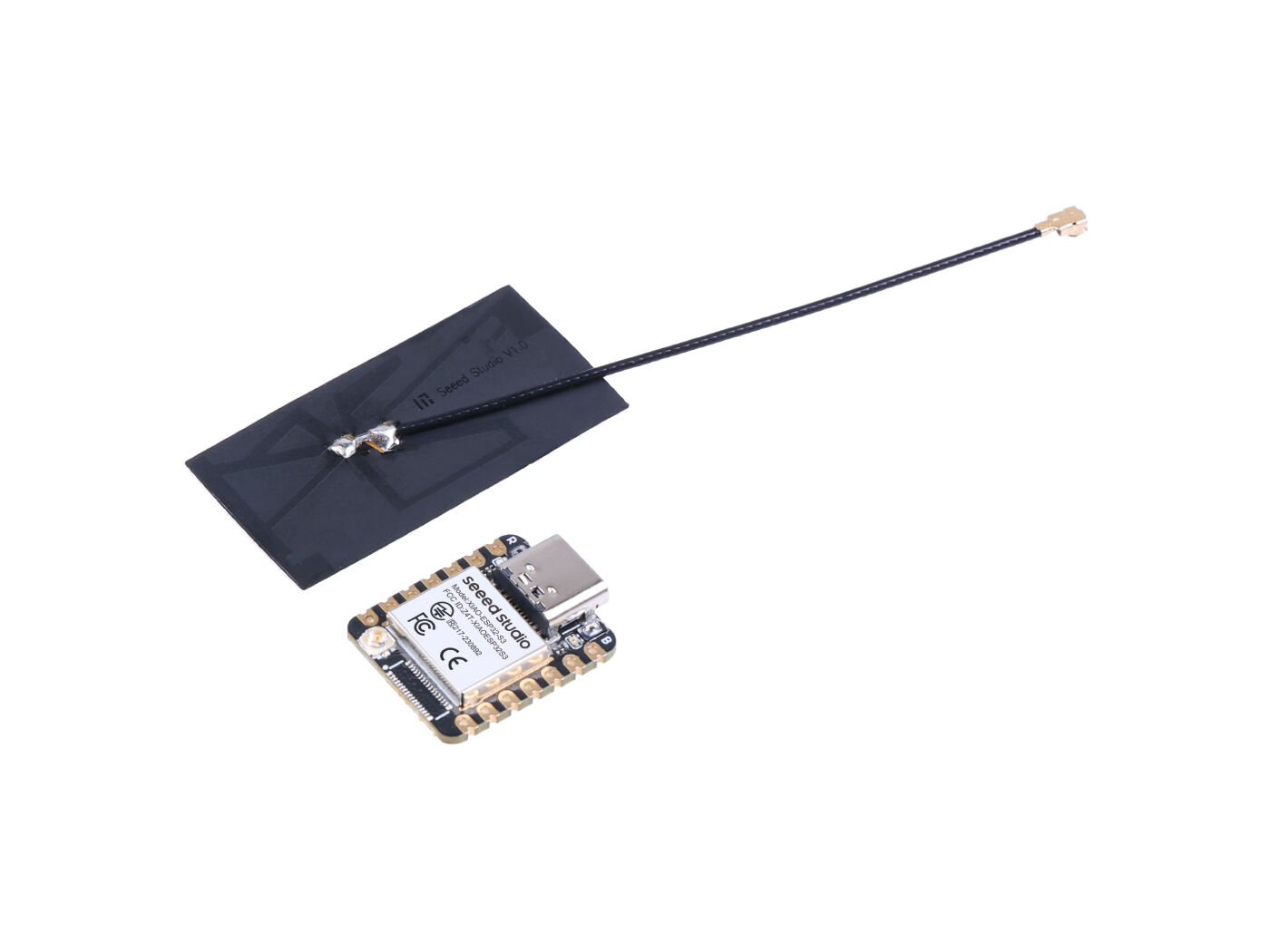
2.3.2.4 - XIAO ESP32-S3
IAO ESP32‑S3
Intro:
The IAO ESP32‑S3 is a modern Meshtastic‑compatible board built on Espressif’s ESP32‑S3 microcontroller. It’s designed for high‑performance mesh communication with improved processing power, dual‑core architecture, and expanded memory compared to earlier ESP32 variants. This makes it a strong candidate for both portable and backbone nodes in Iowa Mesh.
Key Features:
- MCU: Espressif ESP32‑S3 dual‑core processor with Wi‑Fi and Bluetooth 5.0 support
- LoRa Transceiver: Semtech SX1262 for long‑range communication
- Frequency Options: 863–870 MHz or 902–928 MHz
- Memory: Expanded RAM and flash compared to ESP32‑WROOM boards, enabling more complex firmware features
- Interfaces: USB‑C for power and programming, GPIO expansion for sensors or peripherals
- Antenna: SMA or U.FL connector depending on board revision
- Form Factor: Compact PCB designed for easy integration into enclosures
Considerations:
- Newer firmware builds may be required to fully leverage ESP32‑S3 features (ensure Meshtastic version compatibility)
- Power draw is slightly higher than ESP32‑WROOM boards, so battery sizing matters for portable use
- Best suited for backbone or semi‑permanent nodes where processing headroom is valuable
- Less beginner‑friendly than Heltec V3 or T‑Beam due to firmware flashing quirks on ESP32‑S3
- Ideal for advanced operators who want to experiment with expanded features or integrate sensors
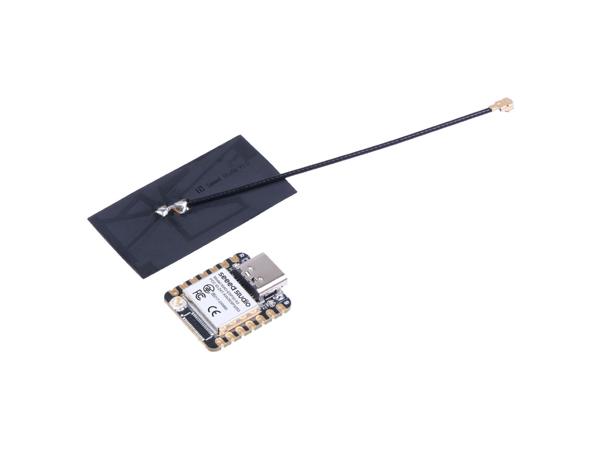
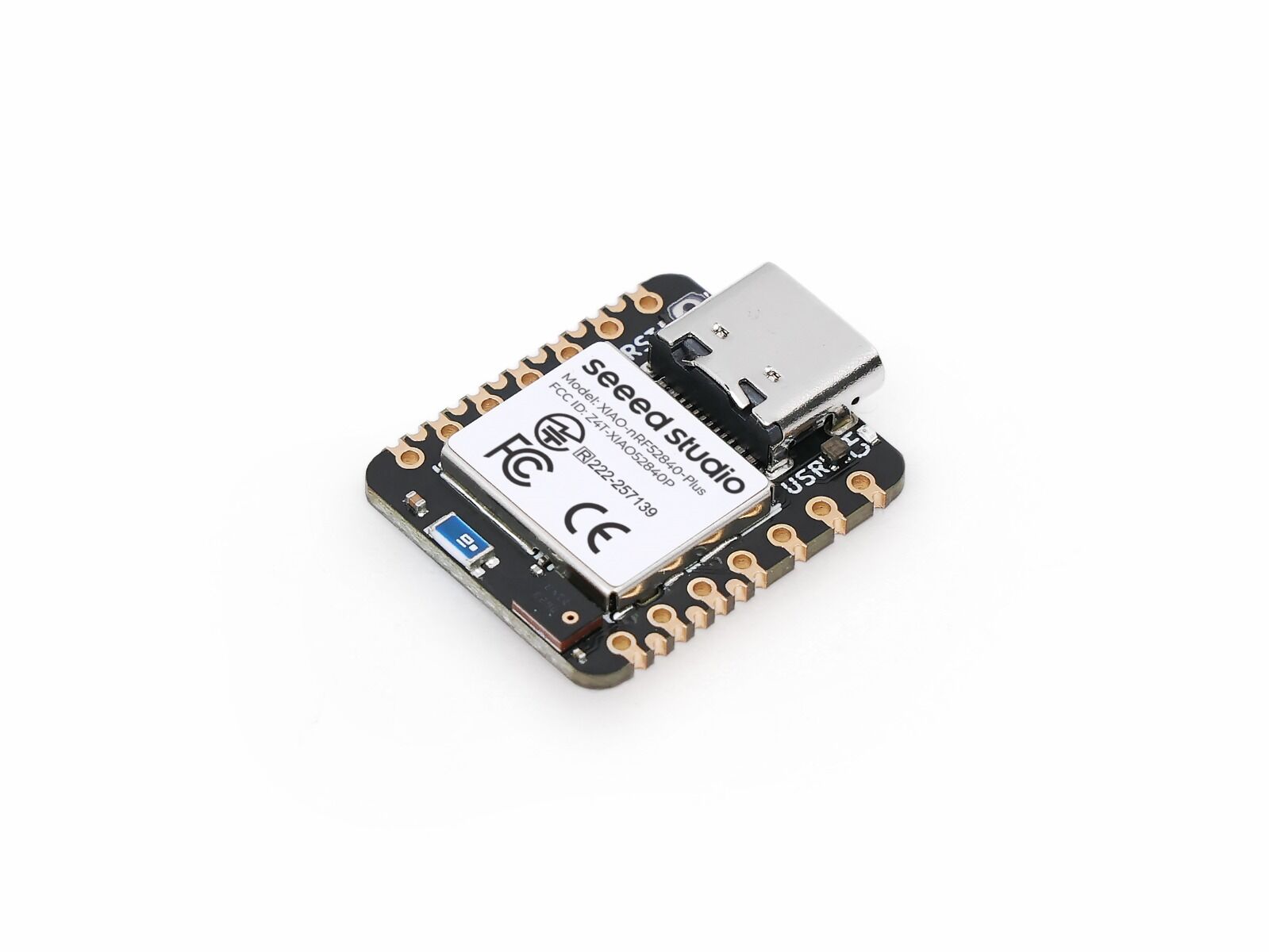
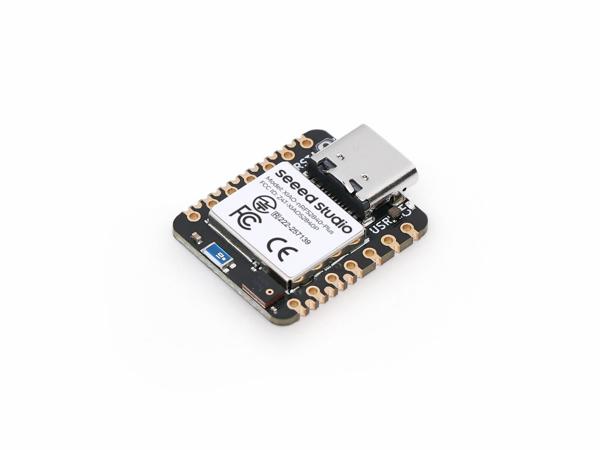
2.3.2.5 - XIAO NRF 52840
XIAO nRF52840
Intro:
The XIAO nRF52840 is a tiny, ultra‑low‑power development board from Seeed Studio that’s fully compatible with Meshtastic. Despite its small size, it packs Bluetooth 5.0, LoRa support (via external modules), and flexible power options, making it ideal for discreet or wearable mesh nodes.
Key Features:
- MCU: Nordic nRF52840 ARM Cortex‑M4F (Bluetooth 5.0, BLE, NFC)
- Memory: 1 MB Flash, 256 KB RAM
- Connectivity:
- Native Bluetooth 5.0
- LoRa via external SX1262/SX1276 modules
- Power Options:
- USB‑C interface
- Li‑Po battery connector
- Ultra‑low‑power sleep modes for extended runtime
- Form Factor:
- Extremely compact (21 × 17.5 mm)
- 11 GPIO pins for expansion
- Programming: UF2 bootloader support for drag‑and‑drop firmware flashing
Considerations:
- Requires external LoRa module for full Meshtastic functionality (not built‑in like Heltec boards)
- Very small size limits antenna options and onboard features (no display)
- Best suited for wearable, discreet, or embedded nodes where space and power efficiency matter
- Less beginner‑friendly compared to T‑Beam or Heltec V3 — better for advanced operators comfortable with modular builds
- Ideal for custom enclosures, sensor integration, or stealth deployments in Iowa Mesh
2.3.3 - Unit Engineering
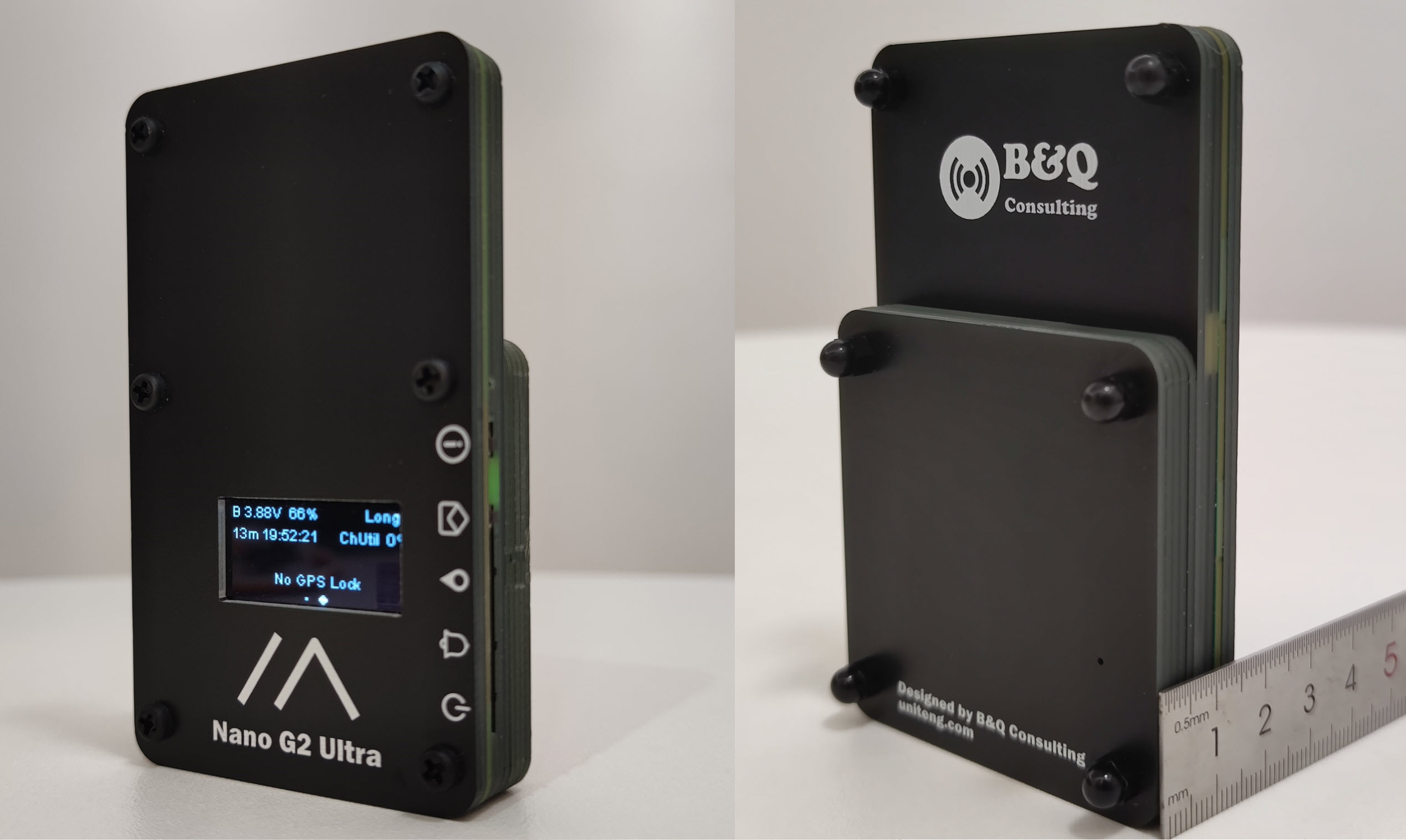
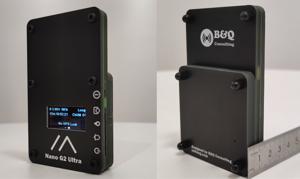
2.3.3.1 - Nano G2
Nano G2 Ultra
Intro:
A pocket-sized, efficient node with wideband antenna support, optimized for low-power operation.
Key Features:
• Nordic nRF52840 MCU
• SX1262 LoRa transceiver
• Wideband antenna (~815–940 MHz)
• Compact design with efficient power use
Considerations:
• Smaller battery capacity
• Limited display/interaction options
• Ideal for discreet, portable deployments
2.3.4 - Heltec Devices
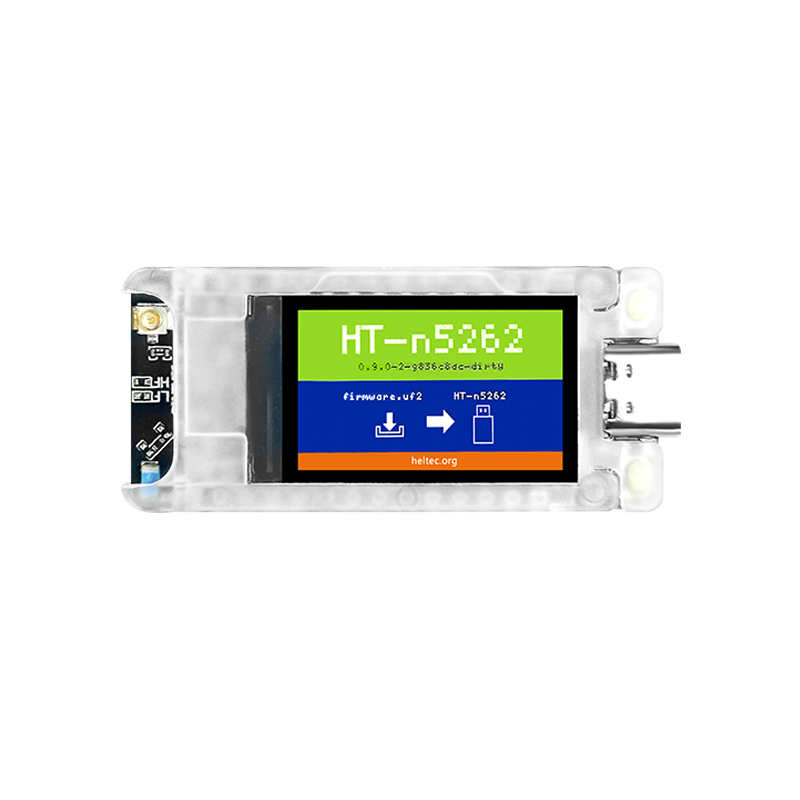
2.3.4.1 - Heltec T114
Heltec T114
Intro:
The Heltec T114 is a modular, low‑power Meshtastic‑ready node built on the Nordic nRF52840 platform. It’s designed for flexible power options, outdoor deployments, and expansion with GPS or display modules, making it a versatile choice for both portable and backbone roles.
Key Features:
- Nordic nRF52840 MCU with Bluetooth 5.0 support
- SX1262 LoRa transceiver for long‑range communication
- Frequency options: 433 MHz, 470–510 MHz, 863–870 MHz, 902–928 MHz
- Optional 1.14″ TFT‑LCD display
- Optional GNSS module via dedicated interface
- Multiple power interfaces:
- USB‑C
- 2×1.25 lithium battery connector
- 2×1.25 solar panel connector
- 8×1.25 GNSS interface
- U.FL/IPEX antenna connector for LoRa + integrated 2.4 GHz patch antenna
- Firmware flashing via UF2 drag‑and‑drop (DFU mode with reset button double‑click)
Considerations:
- Optional modules (GPS, display) add cost and complexity — clarify operator needs before purchase
- Requires external antenna for optimal LoRa performance
- Firmware flashing workflow differs from ESP32 boards (UF2 vs USB serial)
- Best suited for solar‑powered or semi‑permanent nodes in outdoor deployments
- More expensive than entry‑level Heltec boards, but offers better modularity and power flexibilit

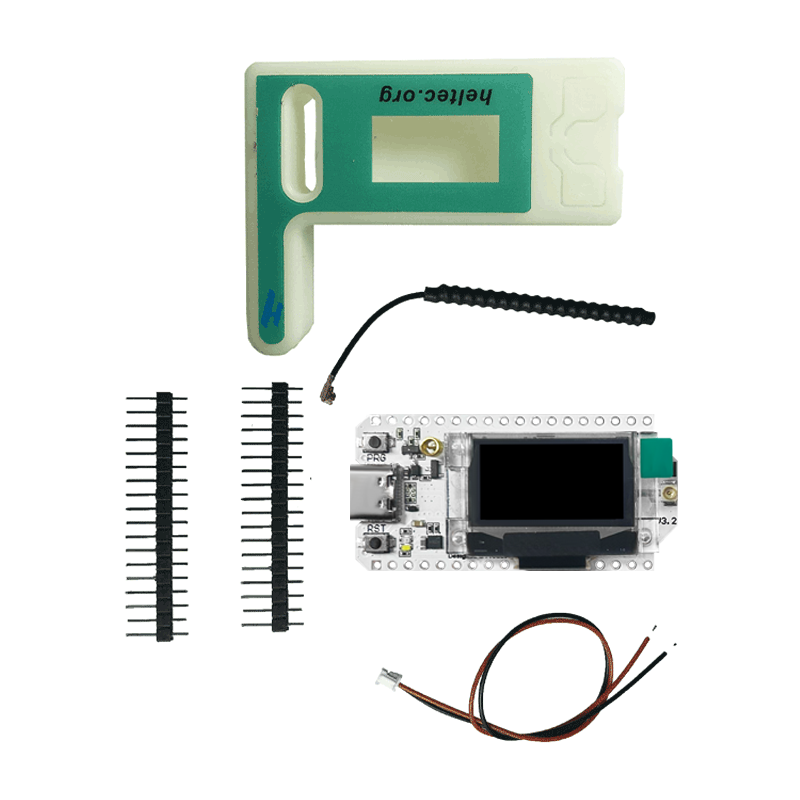
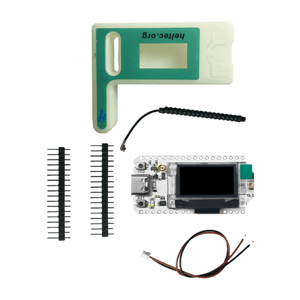
2.3.4.2 - Heltec v3
Heltec LoRa 32 V3
Intro:
Compact and budget-friendly, the Heltec V3 is a go-to for beginners and lightweight deployments.
Key Features:
- ESP32 MCU with integrated SX1262 LoRa
- Small OLED display for status
- USB-C interface
- Affordable and widely available
Considerations:
- Limited battery options (often USB-powered)
- Smaller antenna connector may limit range
- Best suited for indoor or short-range nodes
2.3.4.3 - Mesh Pocket
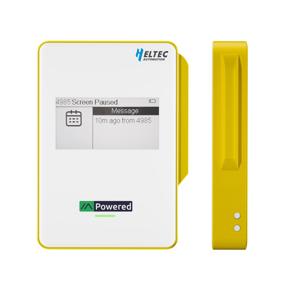
Heltec MeshPocket
Intro:
The MeshPocket is Heltec’s newest Meshtastic device, blending a daily‑use power bank with integrated LoRa communication. It’s built around the Nordic nRF52840 MCU and SX1262 transceiver, with a sleek design that makes it easy to carry while still serving as a reliable mesh node.
Key Features:
- MCU: Nordic nRF52840 with Bluetooth 5.0
- LoRa Transceiver: Semtech SX1262
- Frequency Options: 863–870 MHz or 902–928 MHz
- Display: 2.13″ e‑ink screen for low‑power status updates
- Battery: 5000 mAh or 10000 mAh options
- Charging: Qi2 magnetic wireless charging + USB‑C
- Connectors: Magnetic pogo pin cable for firmware flashing
- Form Factor: Pocket‑sized, designed for daily carry and outdoor use
Considerations:
- Firmware flashing requires the magnetic pogo pin cable (not standard USB).
- No physical buttons for messaging — interaction is limited to display and app pairing.
- Best suited for activators or everyday users who want a dual‑purpose device (power bank + mesh node).
- Battery life is excellent, but the larger 10,000 mAh version adds bulk.
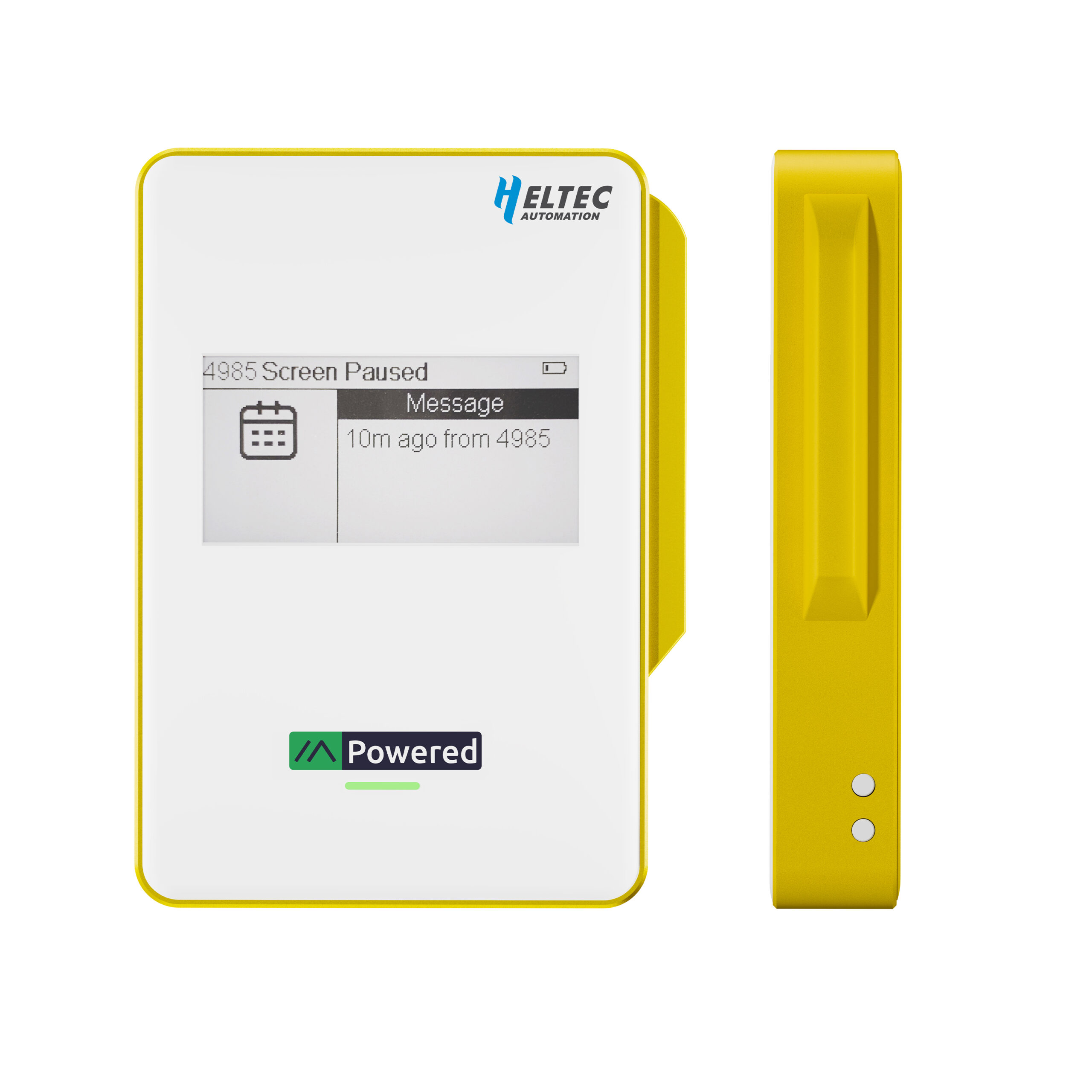
- Ideal for off‑grid scenarios like contests, outdoor exploration, or emergency communication.
2.3.4.4 - Paper Mesh
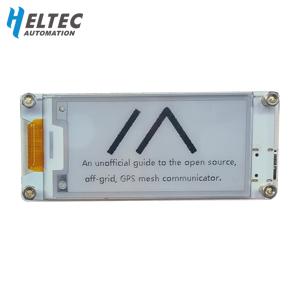
Heltec Wireless Paper (Paper Mesh)
Intro:
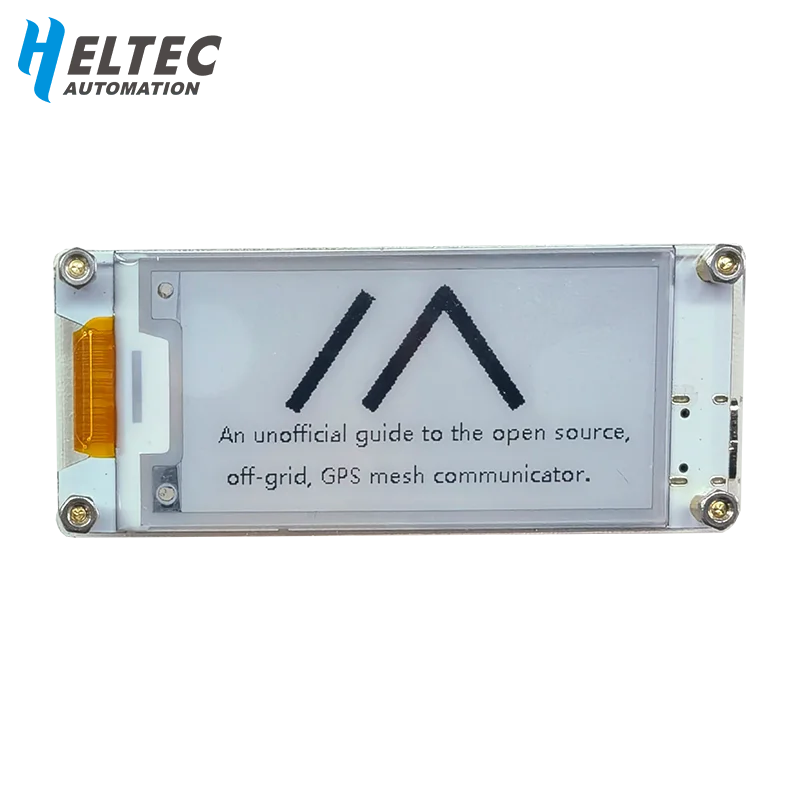
The Wireless Paper is Heltec’s e‑ink variant of their LoRa boards, built for Meshtastic. It combines the ESP32 MCU with the SX1262 LoRa transceiver and a 2.13″ e‑ink screen, making it ideal for low‑power, always‑visible status displays in a mesh network.
Key Features:
- MCU: ESP32‑S3FN8 with Wi‑Fi and Bluetooth support
- LoRa Transceiver: Semtech SX1262
- Frequency Options: 433 MHz, 470–510 MHz, 863–870 MHz, 902–928 MHz
- Display: 2.13″ e‑ink screen (black/white, ultra‑low power)
- Connectors: USB‑C for power/programming, U.FL/IPEX antenna connector
- Form Factor: Slim board with acrylic protection option
- Power: SH1.25 battery connector for external Li‑Po packs
Considerations:
- Screen support varies by firmware version — some revisions (e.g., V1.1.1) had issues with e‑ink compatibility.
- No case included — operators often need to 3D‑print or adapt enclosures.
- Best for fixed or semi‑portable nodes where low‑power display is useful (status, packet counts, node ID).
- Not as rugged as Station‑class devices — better suited for hobbyist or indoor deployments.
- Affordable option (~$17–20 on AliExpress) compared to OLED boards.
2.3.5 - LilyGo Devices
2.3.5.1 - LoRa T3-S3
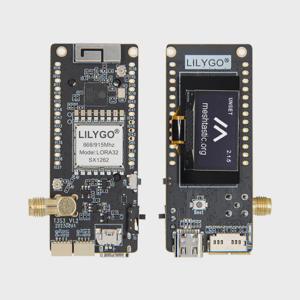
LILYGO LoRa T3-S3
Intro:
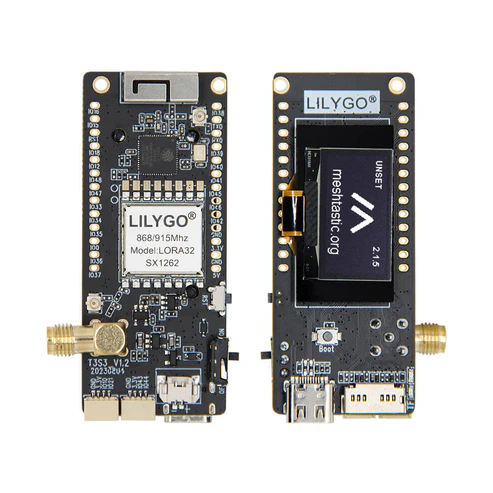
The T3-S3 is a modern ESP32-S3-based board with LoRa, offering stability and performance for fixed or semi-permanent nodes.
Key Features:
- ESP32-S3 MCU with SX1262 LoRa
- USB-C interface for easy power and programming
- Larger antenna connector for improved range
- Designed for continuous backbone operation
Considerations:
- Larger footprint compared to handheld nodes
- Requires external antenna for optimal performance
- Best for club field stations or backbone nodes supporting wide coverag
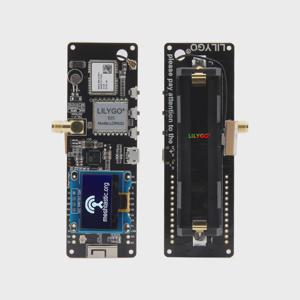
2.3.5.2 - T-Beam
LILYGO TTGO T-Beam
Intro:
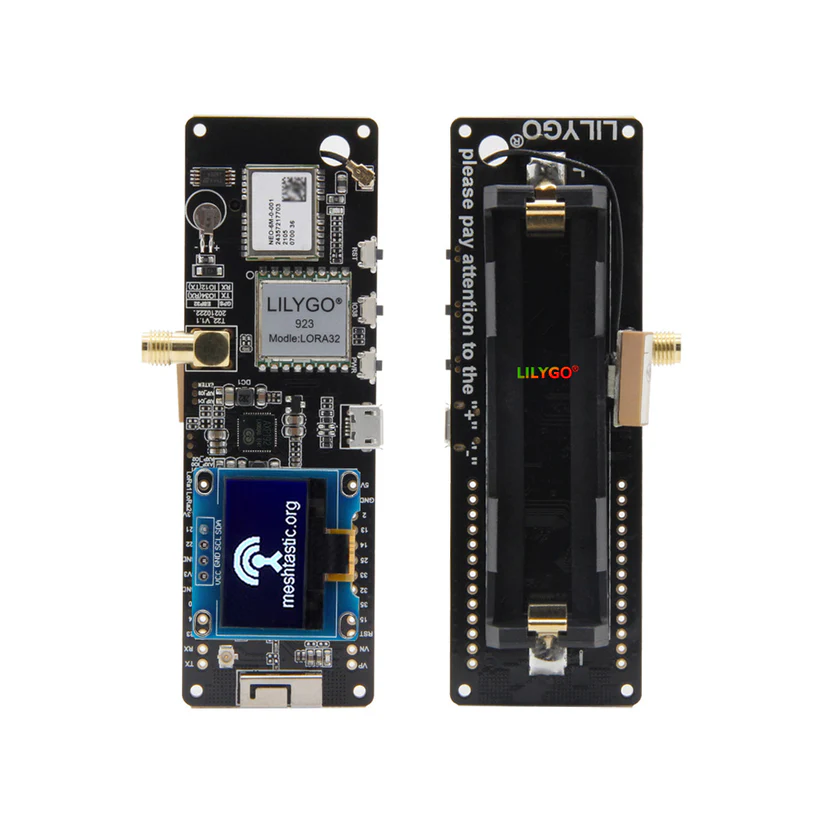
The T-Beam is one of the most widely used Meshtastic nodes, combining ESP32 power with GPS and LoRa. It’s versatile for both portable and fixed deployments.
Key Features:
- ESP32 MCU with Wi-Fi/Bluetooth support
- SX1262 LoRa transceiver
- Built-in GPS module
- USB-C charging and battery support
Considerations:
- Larger form factor compared to Heltec boards
- Requires external antenna for best range
- Battery life depends on configuration and duty cycl
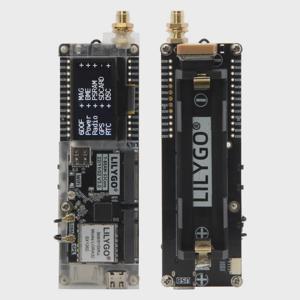
2.3.5.3 - T-Beam Supreme
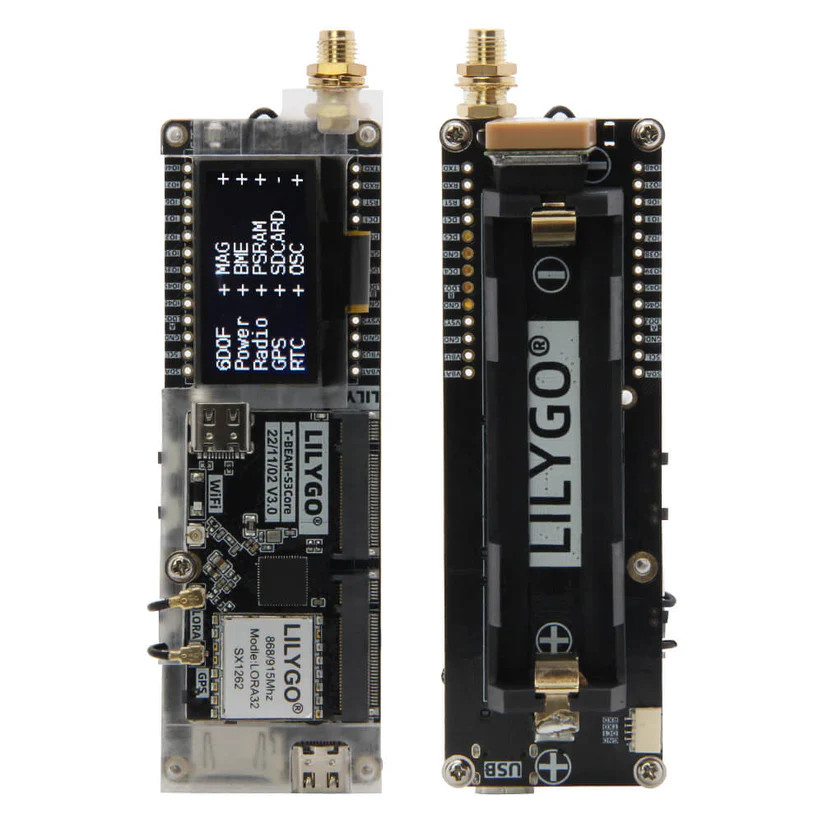
The LilyGO T-Beam Supreme is a standout device for Meshtastic enthusiasts, offering a feature-rich platform that balances performance, versatility, and ease of use. Here’s why it’s a great choice for your mesh networking projects:
Key Features
- Powerful Hardware: The T-Beam Supreme is equipped with the ESP32 microcontroller and the SX1262 LoRa transceiver, providing excellent range and reliability for mesh communication. The SX1262 chip offers improved sensitivity and transmission power compared to older models.
- Integrated GPS: With a built-in GPS module, the T-Beam Supreme is perfect for location-based applications within Meshtastic networks, such as tracking and navigation.
- Battery Support: The device includes a slot for an 18650 lithium-ion battery, making it ideal for portable or off-grid use. It also supports USB-C charging, a modern and convenient feature.
- OLED Display: The integrated OLED screen allows users to monitor key information, such as GPS coordinates and network status, without needing additional peripherals.
- Enhanced Antenna Design: The T-Beam Supreme features an SMA connector for external antennas, enabling users to optimize signal strength and range.
Considerations
While the T-Beam Supreme is a robust device, its power consumption may be higher than some alternatives, especially during GPS usage. This makes it less ideal for long-term battery-powered applications without additional power-saving measures.
The LilyGO T-Beam Supreme is a powerful and versatile device that excels in Meshtastic networks. Its combination of advanced features, ease of use, and strong community support makes it a top choice for anyone looking to explore or expand their mesh networking capabilities.
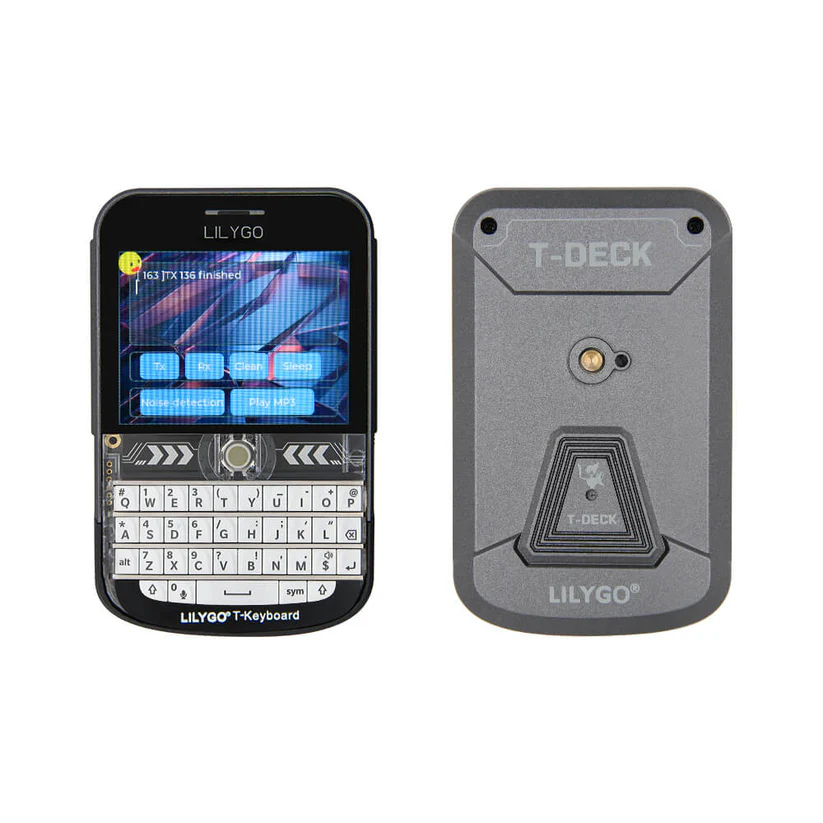
2.3.5.4 - T-Deck
2.3.5.5 - T-Echo
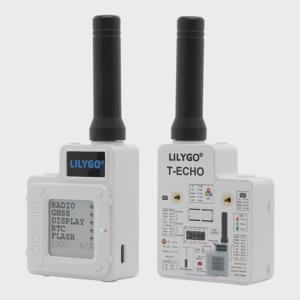
LILYGO T-Echo
Intro:
The T-Echo is a handheld Meshtastic device with a screen and buttons, designed for direct messaging in the field.
Key Features:
- ESP32 MCU with SX1262 LoRa
- Built-in screen and navigation buttons
- Compact, handheld design
- Rechargeable battery
Considerations:
- Higher cost than T-Beam/Heltec
- Smaller screen limits message readability
- Best for activators and portable use cases
2.3.6 - Rak Devices
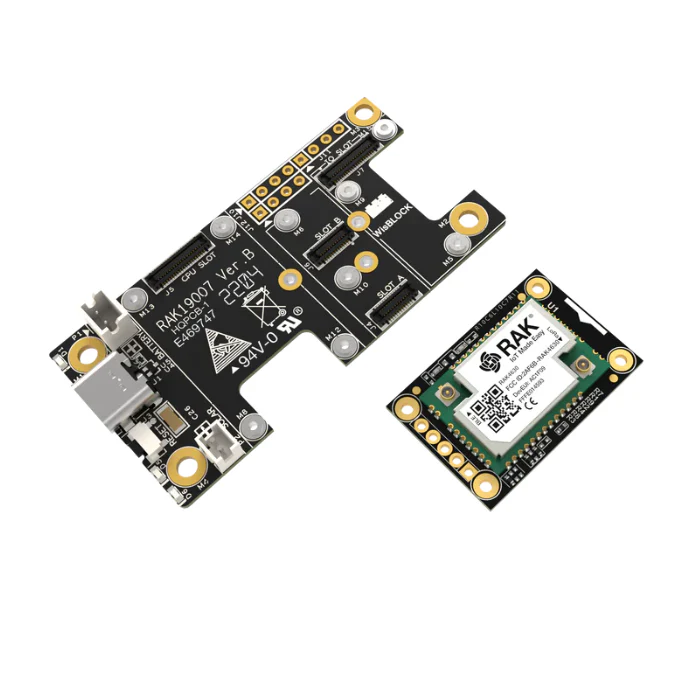
Rak Wireless Meshtatsic Starter Kit
The RAK Wireless Meshtastic Starter Kit is a powerful tool for those exploring off-grid communication and mesh networking, combining reliability, customization, and ease of integration with Meshtastic. Here’s why it’s a standout choice:
Key Features
- Pre-Flashed Convenience: Ships with Meshtastic firmware already installed, enabling quick and hassle-free setup.
- Robust Hardware: The kit includes the WisBlock Base and Core boards, paired with an SX1262 LoRa module. Known for its long-range and efficient power consumption, the SX1262 ensures strong, consistent communication across nodes.
- Expandable Design: The modular WisBlock ecosystem allows for additional components, such as GPS or sensors, letting you tailor the kit to specific applications.
- Integrated Connectivity: Bluetooth functionality enhances ease of pairing and managing your mesh network via the Meshtastic app.
- Community-Driven Support: Backed by an active Meshtastic community, the RAK Wireless kit benefits from abundant tutorials, project ideas, and real-world application examples.
Considerations
Accessory Requirements: While the starter kit provides key components, items like batteries, enclosures, or additional modules may be necessary, depending on your use case.
This kit provides a fantastic foundation for building mesh networks, whether you’re tackling emergency communication, IoT projects, or outdoor adventures. Its flexibility, high-quality components, and seamless Meshtastic integration make it a solid choice for beginners and advanced users alike. Let me know if you need help with setup or project inspiration!
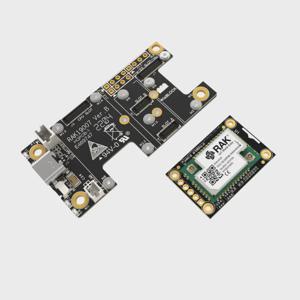
Rak Modules
Rak systems offers lots of modular options which goes with their boards for GPS, Temp and Humidity and Screens. Here is the list of the current part numbers to consider adding to your setup
Base Boards
| Name |
Type |
| RAK19007 |
WisBlock Base Board |
| RAK19003 |
WisBlock Mini Base Board. |
| RAK19001 |
WisBlock Dual IO Base Board. |
WisBlock Peripherals
| Name |
Type |
| RAK1910 |
GPS |
| RAK12500 |
GPS |
| RAK18001 |
Buzzer |
| RAK13002 |
IO Module |
| RAK14001 |
RGB LED |
| RAK12002 |
Real Time Clock |
| RAK1901 |
Temperature and Humidity Sensor |
| RAK1902 |
Barometric Pressure Sensor |
| RAK1906 |
Environment Sensor |
| RAK12013 |
Radar Sensor |
| RAK13800 |
Ethernet Module |
WisBlock Displays
| Name |
Type |
Resolution |
| RAK1921 |
0.96inch OLED |
128x64px |
| RAK14000 |
2.13 inch E-Ink display |
212x104px |
3 - Config & Software
How to configure your Meshtastic device.
3.1 - Device Modes
Meshtastic supports various operating modes to suit different needs:
| Device Role |
Description |
Best Uses |
| CLIENT |
App connected or stand alone messaging device. Rebroadcasts packets when no other node has done so. |
General use for individuals needing to communicate over the Meshtastic network with support for client applications. |
| CLIENT_MUTE |
Device that does not forward packets from other devices. |
Situations where a device needs to participate in the network without assisting in packet routing, reducing network load. |
| CLIENT_HIDDEN |
Device that only broadcasts as needed for stealth or power savings. |
Use in stealth/hidden deployments or to reduce airtime/power consumption while still participating in the network. |
| TRACKER |
Broadcasts GPS position packets as priority. |
Tracking the location of individuals or assets, especially in scenarios where timely and efficient location updates are critical. |
| LOST_AND_FOUND |
Broadcasts location as message to default channel regularly for to assist with device recovery. |
Used for recovery efforts of a lost device. |
| SENSOR |
Broadcasts telemetry packets as priority. |
Deploying in scenarios where gathering environmental or other sensor data is crucial, with efficient power usage and frequent updates. |
| TAK |
Optimized for ATAK system communication, reduces routine broadcasts. |
Integration with ATAK systems (via the Meshtastic ATAK Plugin) for communication in tactical or coordinated operations. |
| TAK_TRACKER |
Enables automatic TAK PLI broadcasts and reduces routine broadcasts. |
Standalone PLI integration with ATAK systems for communication in tactical or coordinated operations. |
| REPEATER |
Infrastructure node for extending network coverage by always rebroadcasting packets once with minimal overhead. Not visible in Nodes list. |
Best positioned in strategic locations to maximize the network’s overall coverage. Device is not shown in topology. |
| ROUTER |
Infrastructure node for extending network coverage by always rebroadcasting packets once. Visible in Nodes list. |
Best positioned in strategic locations to maximize the network’s overall coverage. Device is shown in topology. |
| ROUTER_LATE |
Infrastructure node that always rebroadcasts packets once but only after all other nodes, ensuring additional coverage for local clusters. Visible in Nodes list. |
Ideal for covering dead spots or ensuring reliability for a cluster of nodes where placement doesn’t benefit the broader mesh. Device is shown in topology. |
For more details, explore the Meshtastic Blog.
Here is another great video by TheCommsChannel explaining Different Roles.
In the best case or you are in doubt choose client. If you have a mobile unit or traveling by plane client_mute is super helpful
3.2 - MQTT Settings For IowaMesh
Given how spread out we are with the mesh in Iowa we have opted to use MQTT to brindge the gaps between long distances.
MQTT Configuration
Server: mqtt.iowamesh.net
Port: 8882 for Non-TLS
User: iromesh
Password: 2Gab9eAz
Root Topic: iromesh
JSON: Yes (if your device supports it)
Encrypted: No
TLS: No
OkToMQTT: Yes (Needed in 2.5.x and Newer to publish)
Please note that if you do not enable ‘Ok to MQTT’ or opt to enable ‘Ingore MQTT’, messages sent by you or heard through you will not be passed along. This could break the mesh longer term if you are covering alot of area.
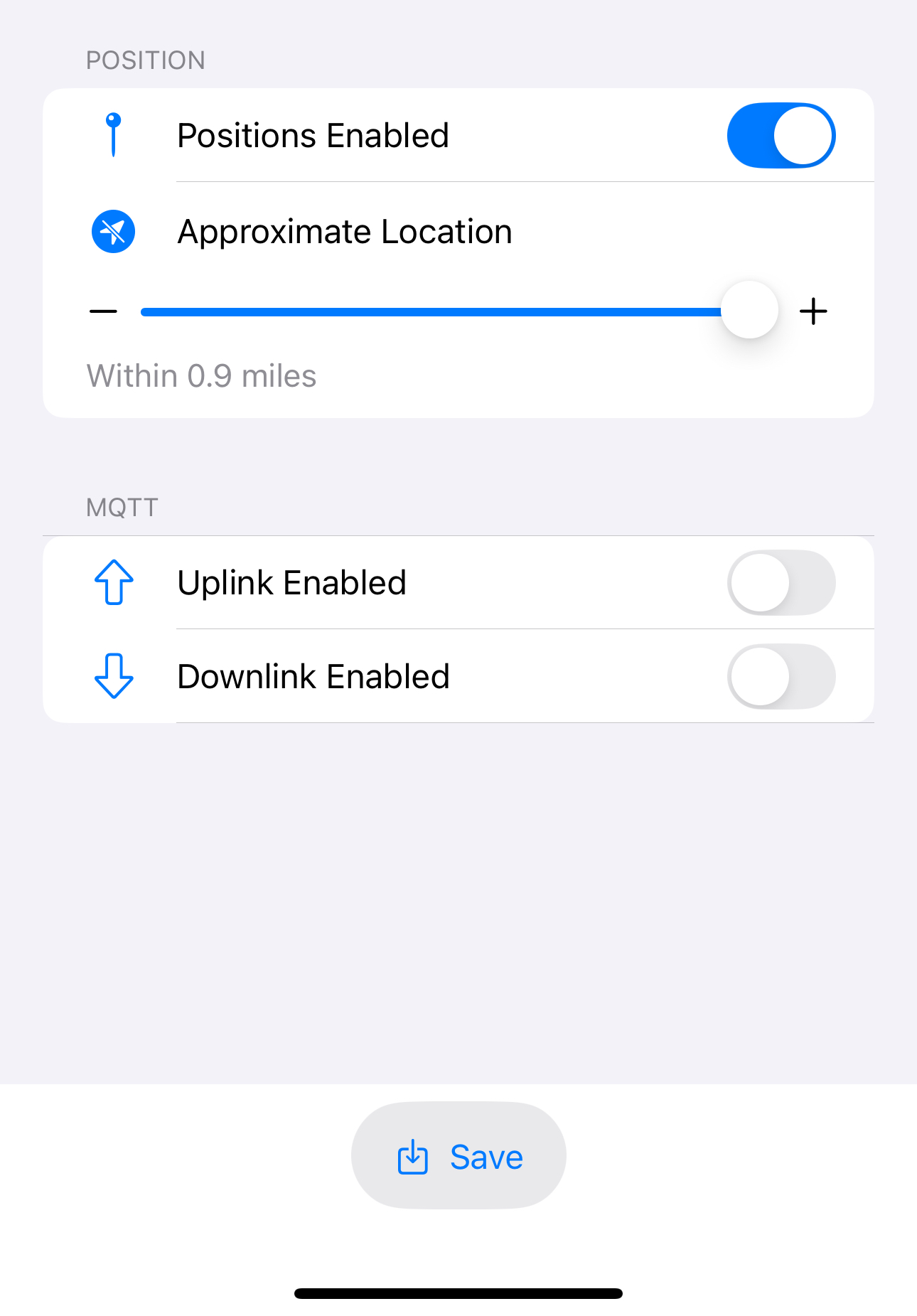
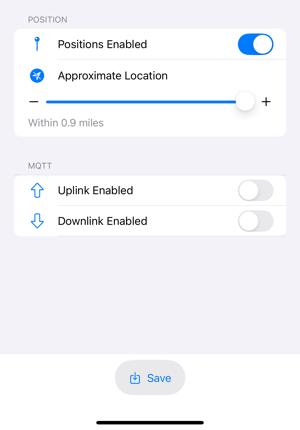
Don’t forget to enable uplink and downlink on the channels you want to participate for messages. The default channel will likely be needed to put position on the map.
If you have questions please reach out to info@iowamesh.net
4 - Use Cases
Setup guides for common Meshtastic use cases.