MQTT Settings For IowaMesh
Given how spread out we are with the mesh in Iowa we have opted to use MQTT to brindge the gaps between long distances.
MQTT Configuration
Server: mqtt.iowamesh.net
Port: 8882 for Non-TLS
User: iromesh
Password: 2Gab9eAz
Root Topic: iromesh
JSON: Yes (if your device supports it)
Encrypted: No
TLS: No
OkToMQTT: Yes (Needed in 2.5.x and Newer to publish)
Please note that if you do not enable ‘Ok to MQTT’ or opt to enable ‘Ingore MQTT’, messages sent by you or heard through you will not be passed along. This could break the mesh longer term if you are covering alot of area.
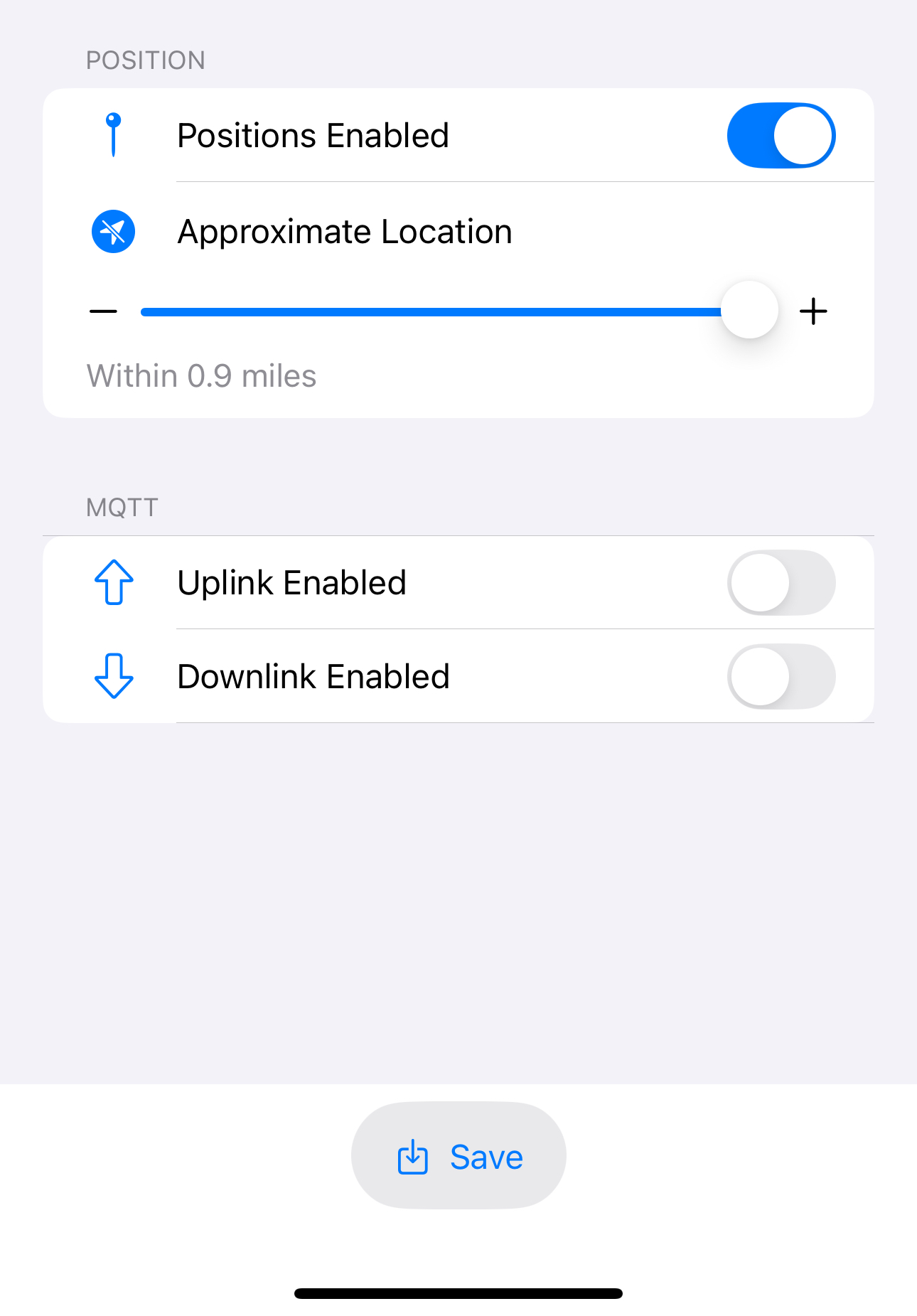
Don’t forget to enable uplink and downlink on the channels you want to participate for messages. The default channel will likely be needed to put position on the map.
If you have questions please reach out to info@iowamesh.net